 Skip to main content


AI product images
AI Product Images & AI Product Photos
Your existing product photos become lifestyle images, cutouts, close-ups and variants in your brand style. Trained specifically for furniture, with batch processing for your entire range.
AI product images
Your existing product photos become lifestyle images, cutouts, close-ups and variants in your brand style. Trained specifically for furniture, with batch processing for your entire range.
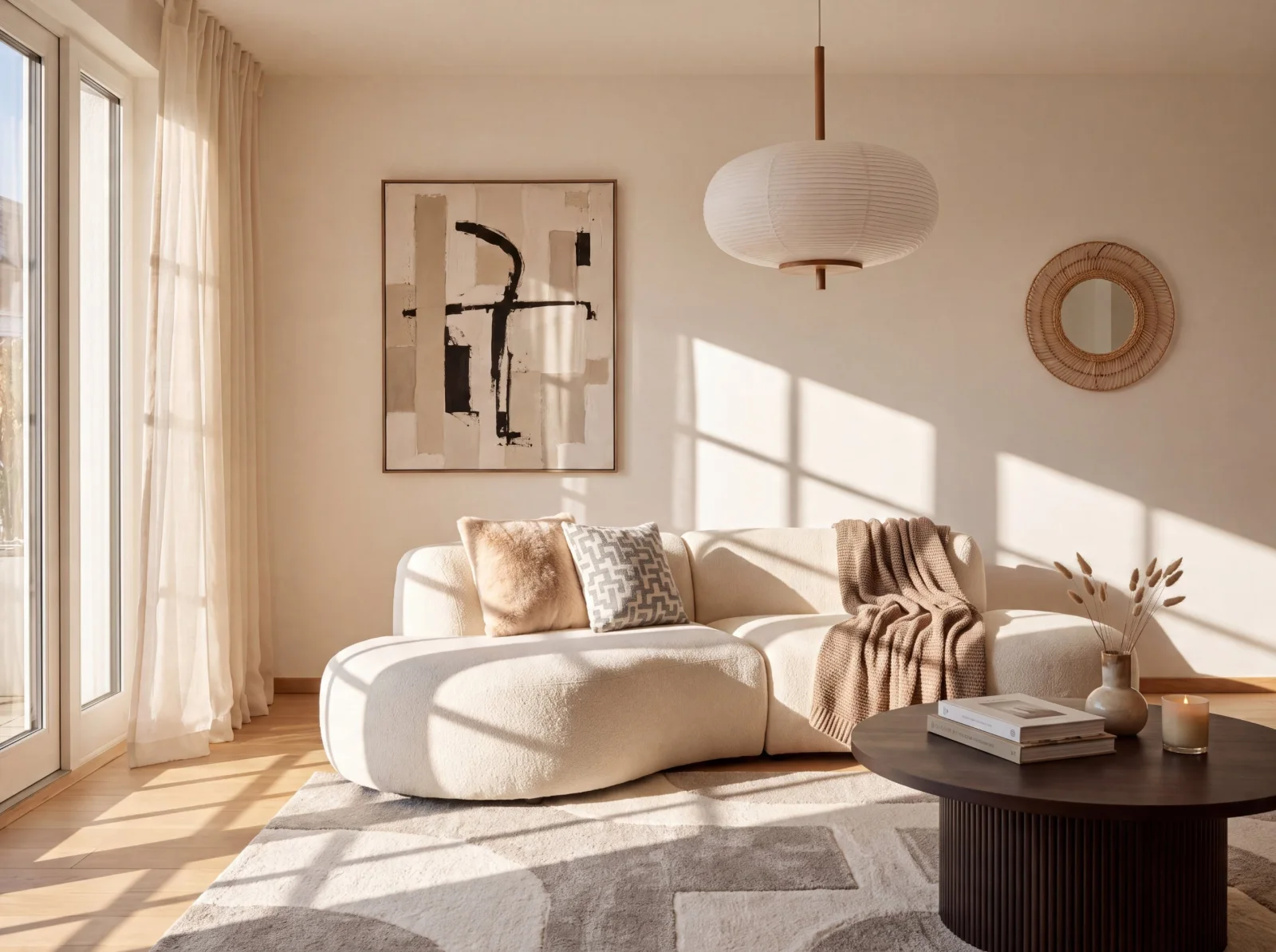
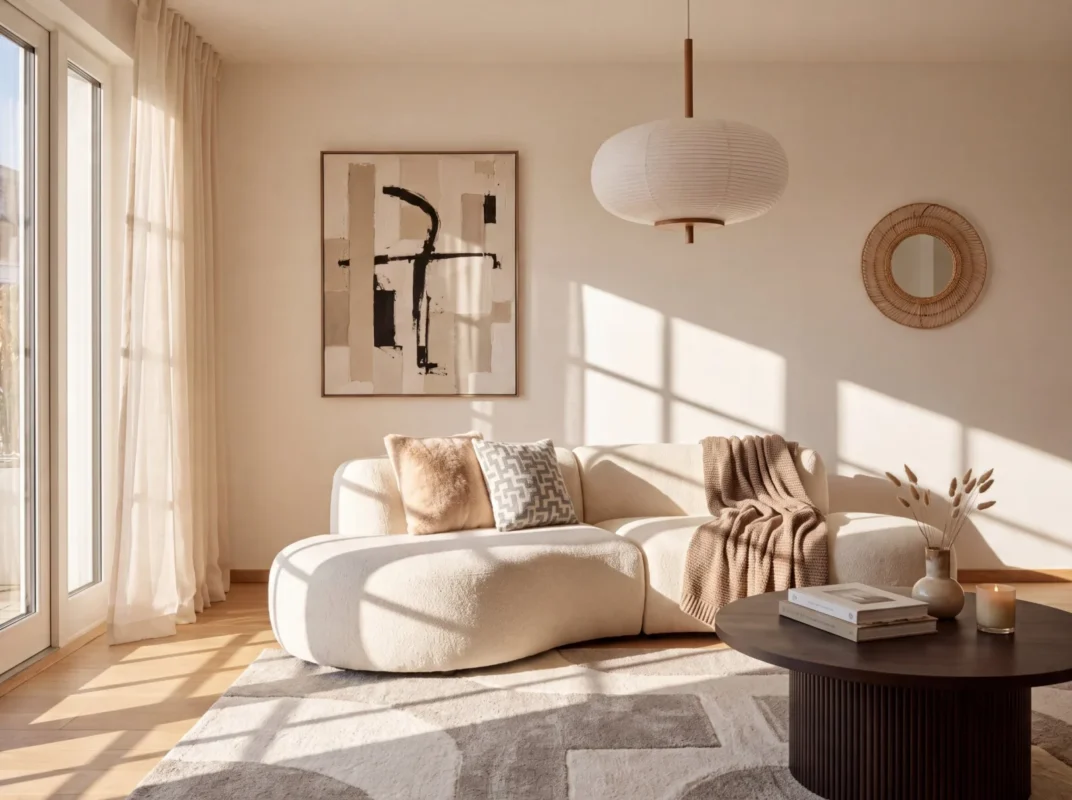 Lifestyle image1
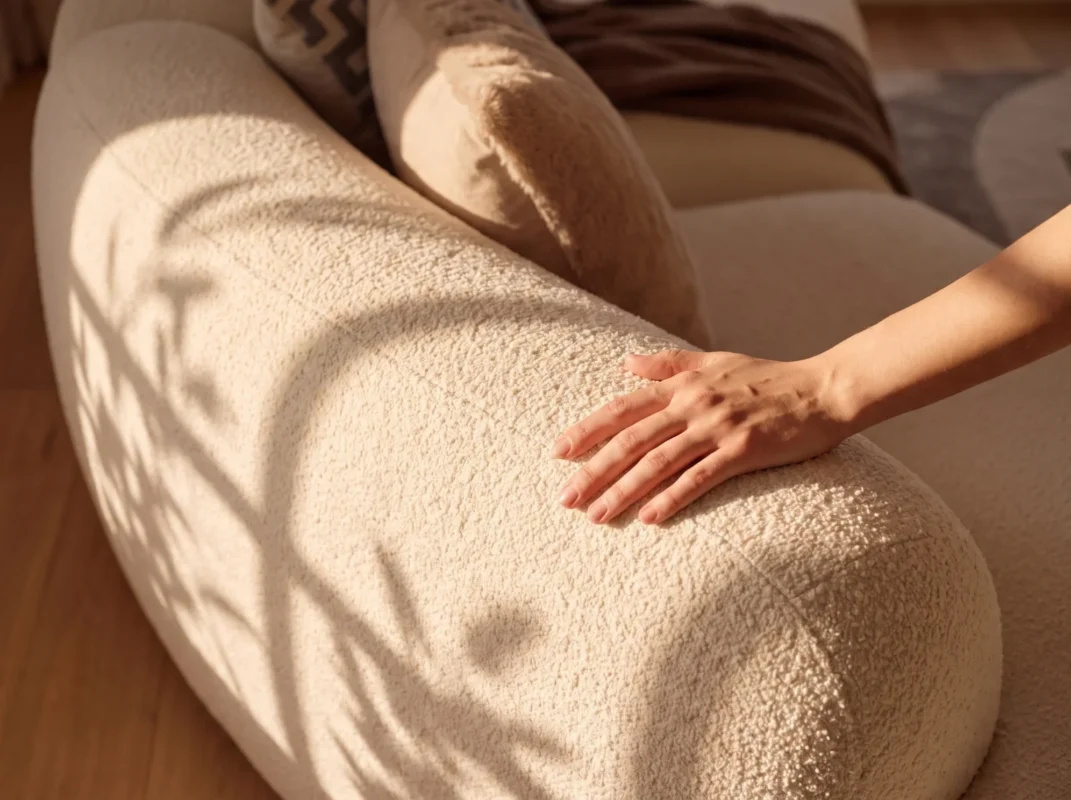 Close-up2
 Mood image3
Furniture companies rely on Mazing. Customers of the Mazing platform
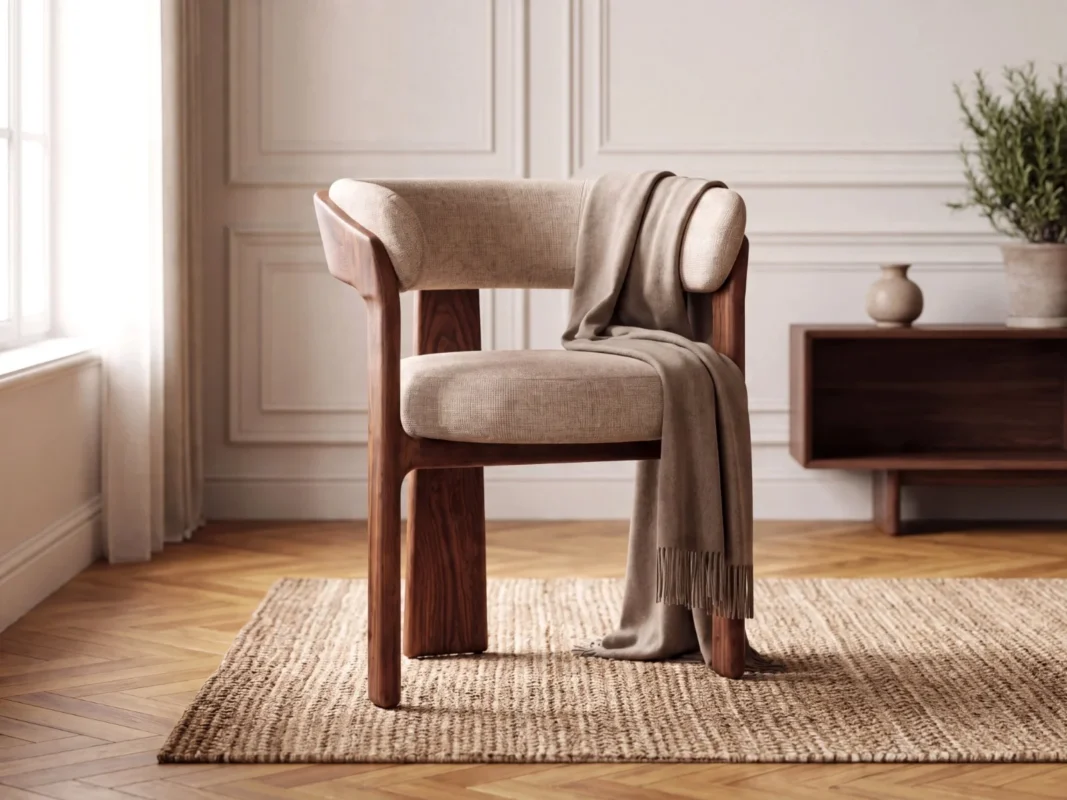
Mazing automatically creates new product images from a simple product photo. The AI is trained specifically for furniture and recognises shapes, materials and lighting. The product remains 100% unchanged.
Your product in matching interiors, adapted to target group, style and season.
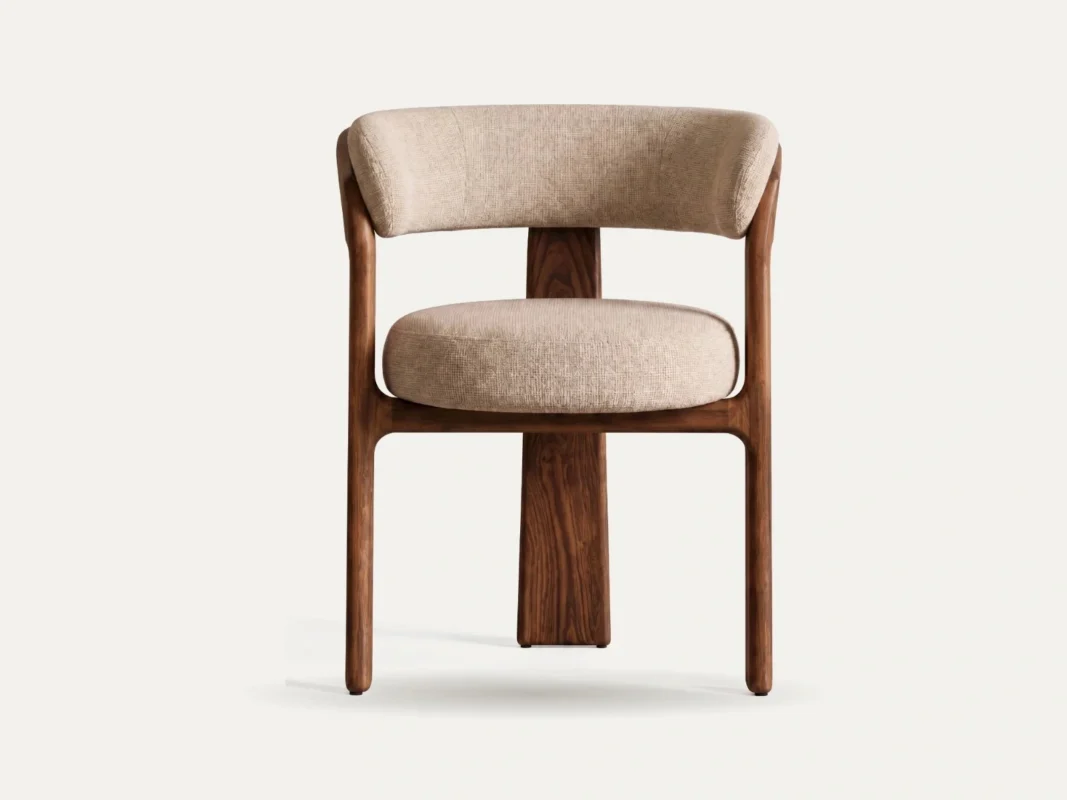
Clean cutouts for a wide range of variants, created directly on the platform.
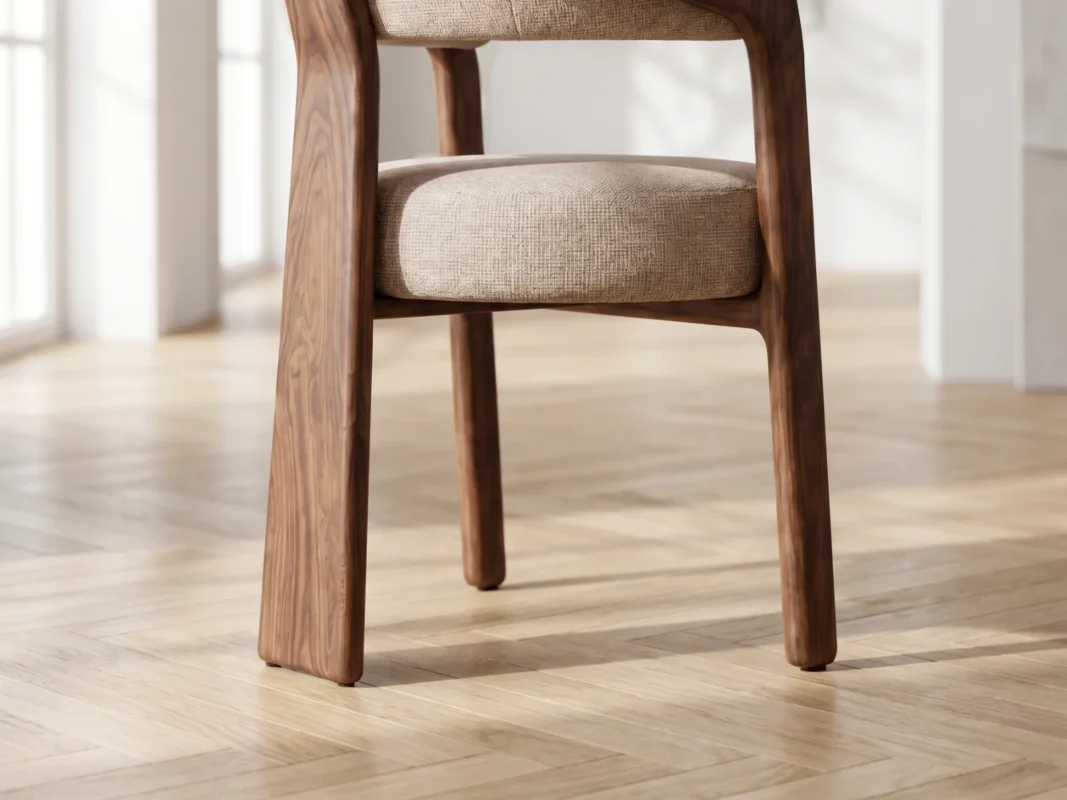
Details and materials in focus, from bouclé to wood finishes.
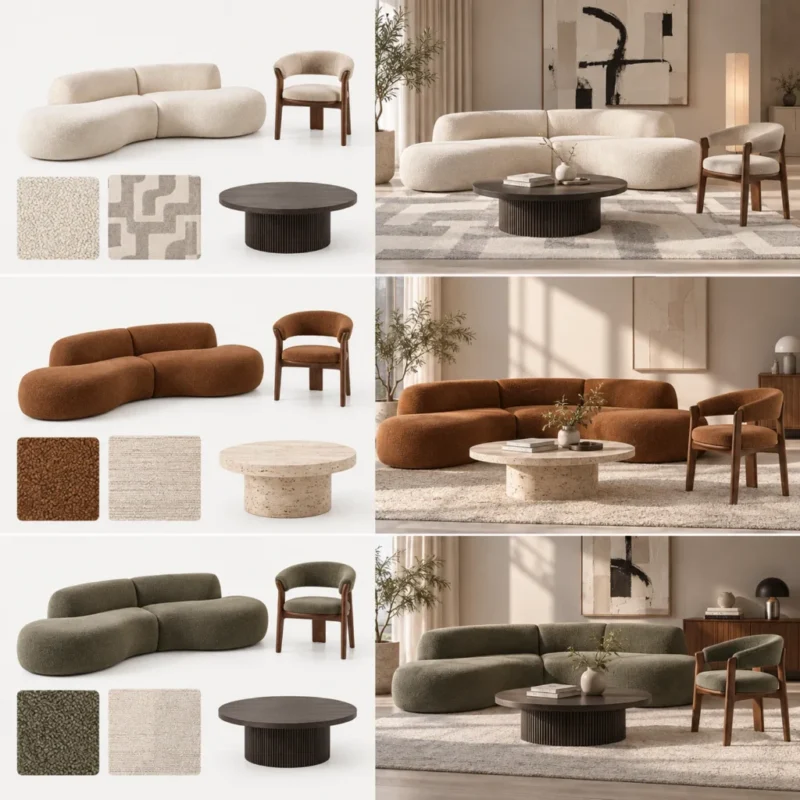
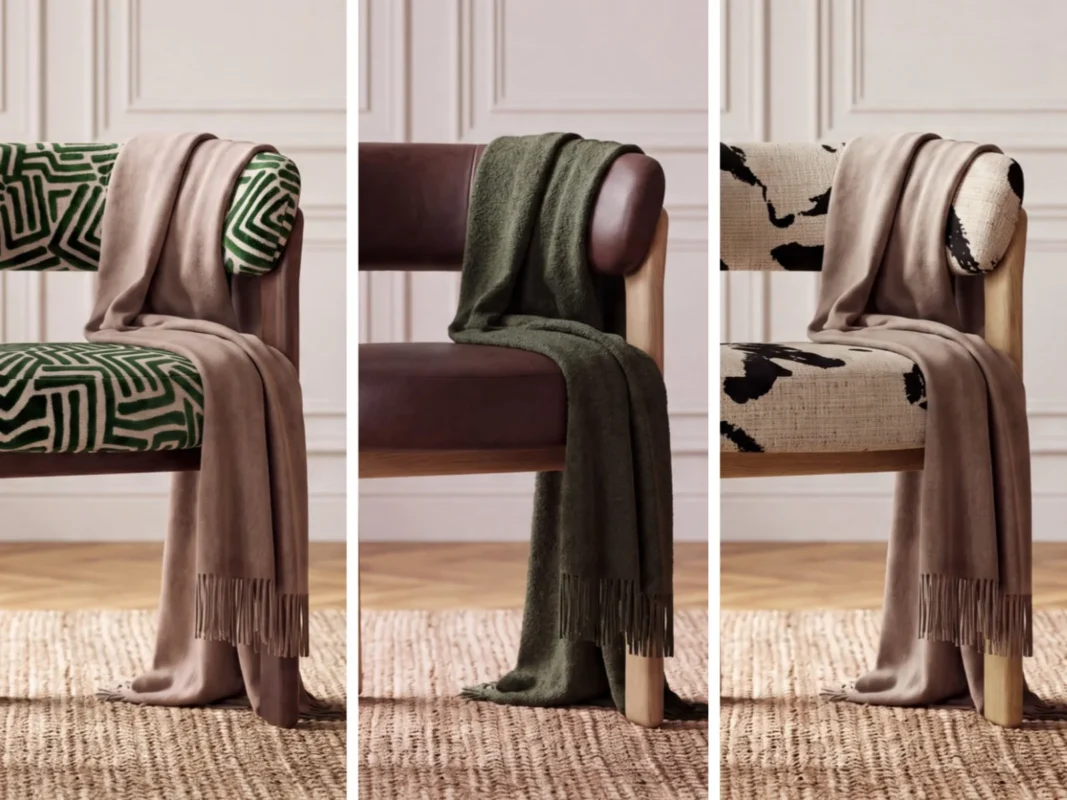
Change textures and materials flexibly, without a new photo shoot.
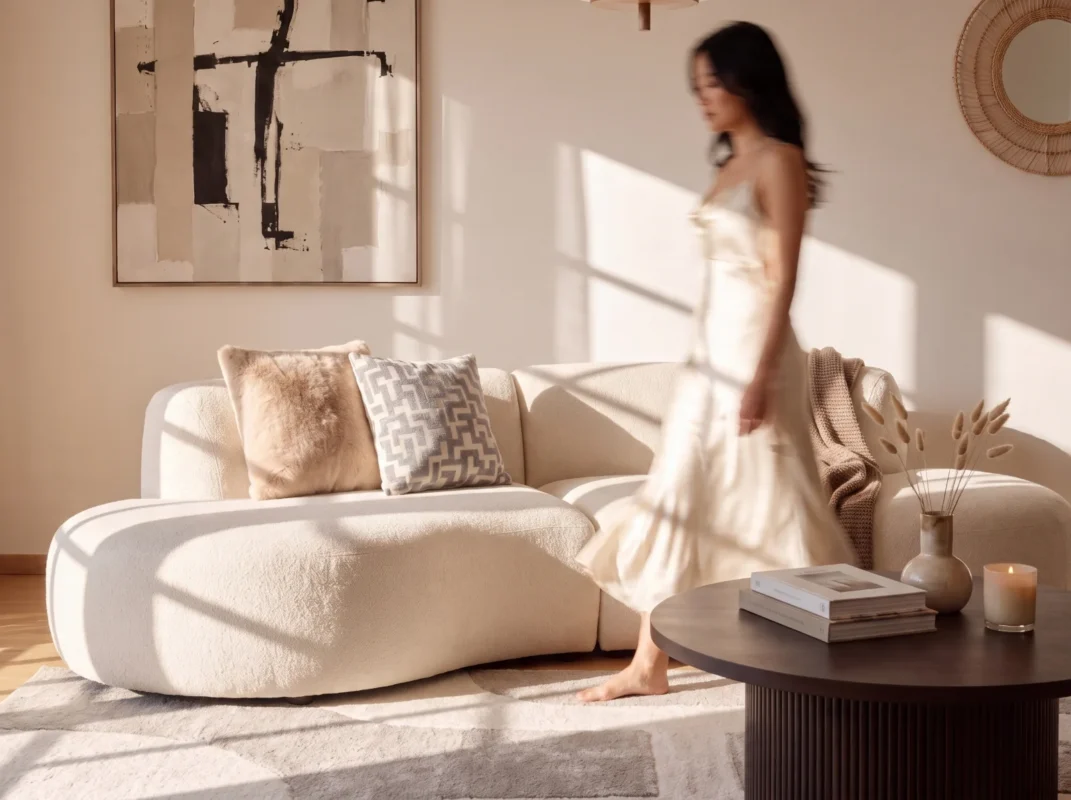
Lifestyle scenes with people and pets for campaigns, social media and landing pages.

Your product images can also become short product videos in the same style.
On the left the source material, on the right the result: the same products, restaged in your brand style.
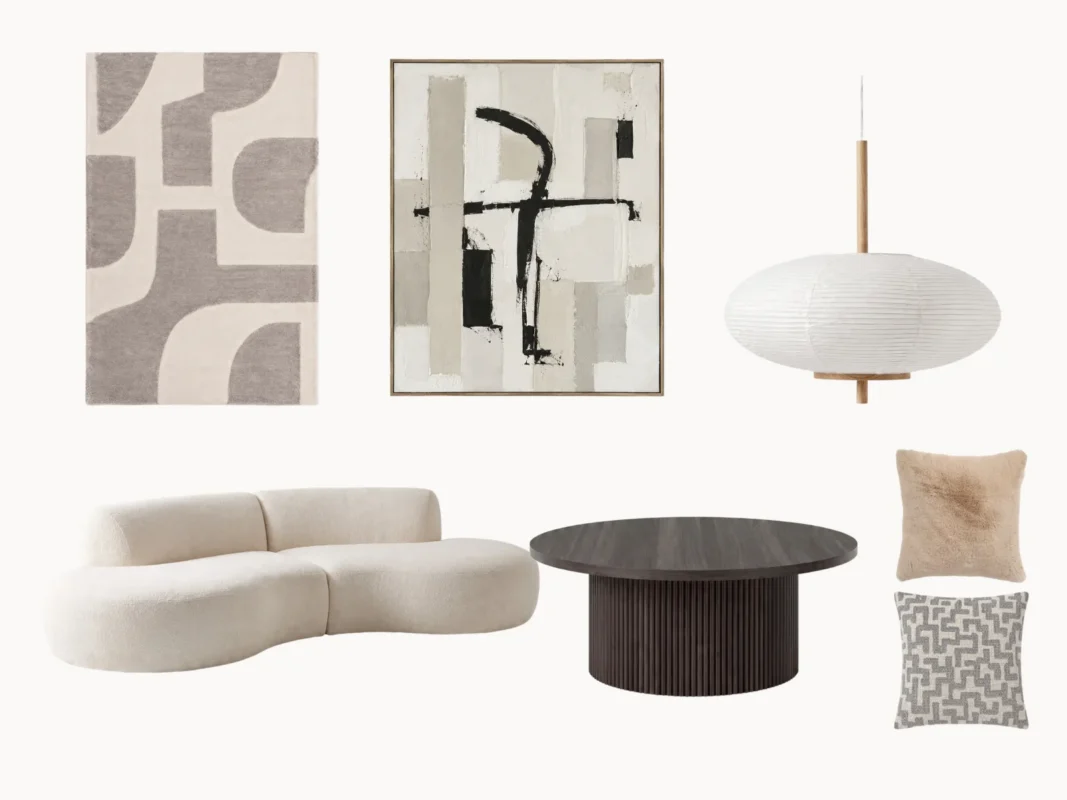
AI agents process entire collections in one go: they import product data, create images and videos in your brand style and submit them for approval. No prompting, built specifically for furniture.
AI agents handle recurring production steps, your team steers, reviews and approves.
Batch · Autumn collection · 248 products
| Product | Variants | Assets | Status |
|---|---|---|---|
ARMCHAIR_002 | 22 images · 2 videos | Approved | |
SOFA_3S_114 | 5 | 28 images · 2 videos | In review |
TABLE_OAK_220 | 3 | 18 images · 1 video | Generating |
BED_160_LINEN | 4 | Planned | Queued |
We import or mirror your SKUs and product images from your shop, PIM or DAM to the Mazing platform. Alternatively via CSV or API.
Your team or our AI agents create AI product images and videos in your brand style on the platform.
Approved images go back to your webshop, PIM or DAM or to your retailers automatically.
The best way to start is a short onboarding call with our team, and we’ll set up your trial together.
Product images for furniture are created in three ways today. This is how they differ in source material, variants and effort:
| Photo shoot | 3D rendering | AI product images | |
|---|---|---|---|
| Source material | Physical product, studio or set | 3D model per product | 1–2 existing product photos |
| New variants and scenes | New shoot per variant or scene | New materials and scenes in the 3D model | Variants, scenes and seasonal visuals via batch processing |
| Effort | High: planning, shipping, post-production | Medium to high: modelling and rendering | Low: set up your brand world once, then automated |
| 3D data required | No | Yes | No |
AI product images are created from existing product photos. No 3D data is required.
Mazing imports product data and images from your systems and sends the finished image series back there. What matters for data and image rights is covered in enterprise AI image generators: data, rights and training.
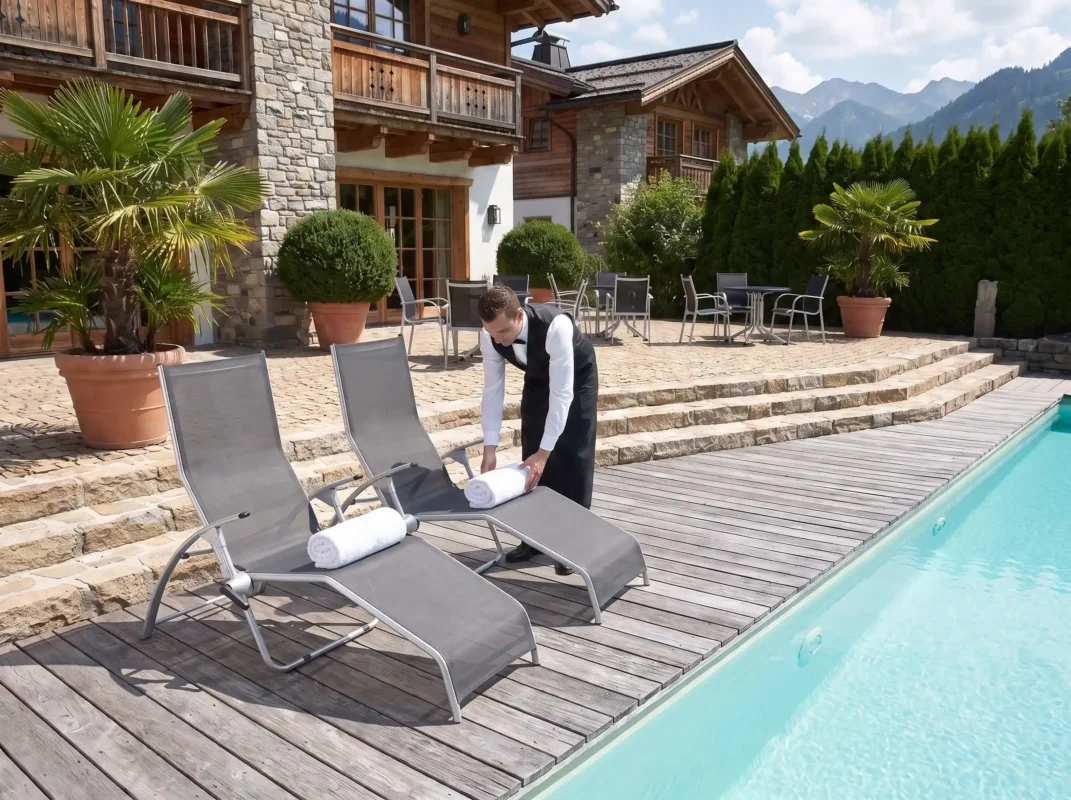
In 2026 Kettler relies fully on Mazing AI instead of photo shoots for the first time, halving internal effort and cutting content costs by 80%.
Read the case study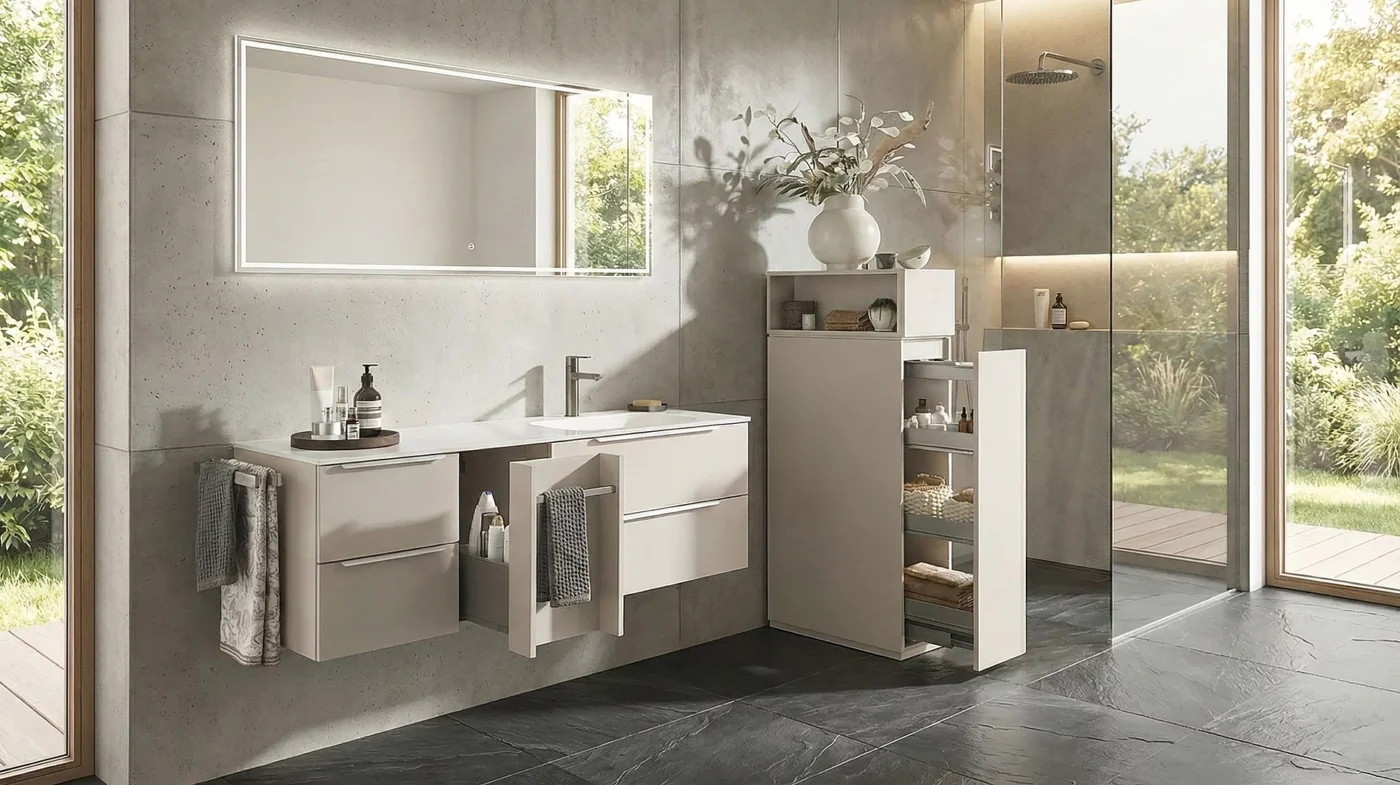
Puris Badmöbel creates variant, dimension and lifestyle images completely in self service.
Read the case study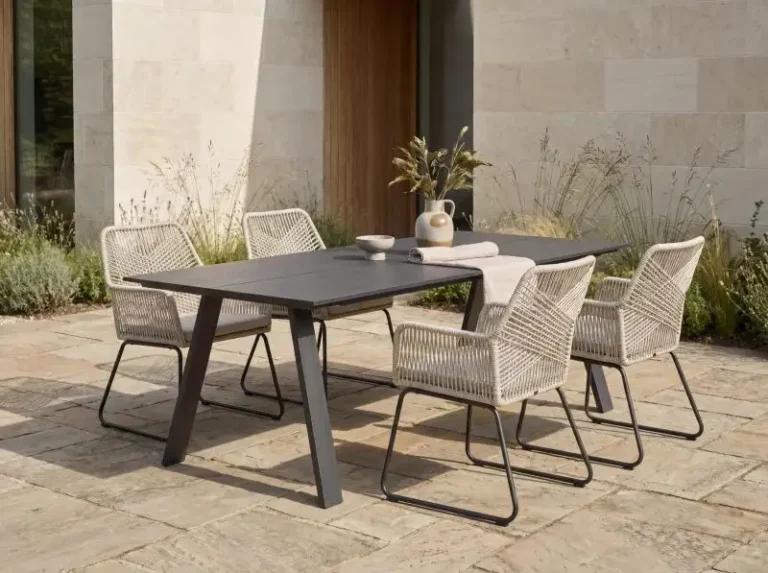
Ehrmann switched its workflow from CGI to AI images and creates lifestyle images and photos with dimensions in batch processing.
Read the case studyAI product images are generated from existing product photos or technical drawings. The AI recognizes the shape, perspective and materials of the product and automatically integrates it into new scenes or visual worlds. This allows companies to quickly create new lifestyle images or marketing visuals without having to carry out a photo shoot or rendering. For an overview of AI image tools, see our comparison of the best AI image tools for furniture retailers.
Yes, any number of new product images can be generated from a single product photo using AI. For example, different scenes, backgrounds or target groups can be displayed without the product having to be photographed again.
To create product images with AI, a product image is first uploaded, usually a cropped image with a white background. The AI recognizes the product and automatically integrates it into new scenes or generates suitable backgrounds. This creates realistic product images without the need for a photo shoot or rendering. These images can be generated on our platform(world.mazingxr.com).
AI images can be generated in resolutions of up to 6K. This makes them suitable for web stores and social media as well as for high-resolution print catalogs or POS materials.
Images can be generated without limit, and only downloads of the results you actually want consume credits. This allows you to maintain full control over quality and costs. Contact us for a price list!
Mazing has been specially trained for furniture and automatically recognizes shapes, materials and lighting conditions. The product remains 100% unchanged. For an overview of the entire platform, see AI product visualization.
Yes. You can create images yourself in the platform or set up your brand world together with our team. Personal support and AI workshops help you along the way.
Yes. Finished images go directly into your shop and databases via the webshop and DAM integration or via API. There are ready-made integrations for Shopify, Shopware, WooCommerce and Adobe Commerce (Magento).
Your next product images are created with AI.
In a personal live demo with the Mazing team.
