 Skip to main content


The short answer: furniture brands can now create silo shots, room scenes, detail and dimension images with AI from the product photos they already have. The one rule that matters is that the product must stay exactly as it is. Then the same image set works for Wayfair, Amazon, Shopify and your own site, in days instead of a photo shoot season.
This guide shows which images US marketplaces expect, how to produce them with AI product images without risking returns, and what a catalog-scale workflow looks like.
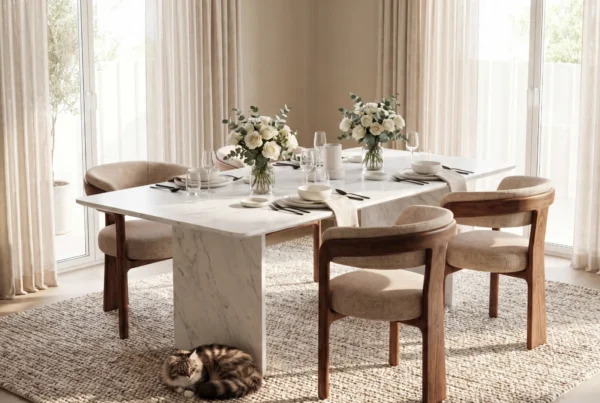
The image set every furniture listing needs
| Image type | What it does | How AI creates it |
|---|---|---|
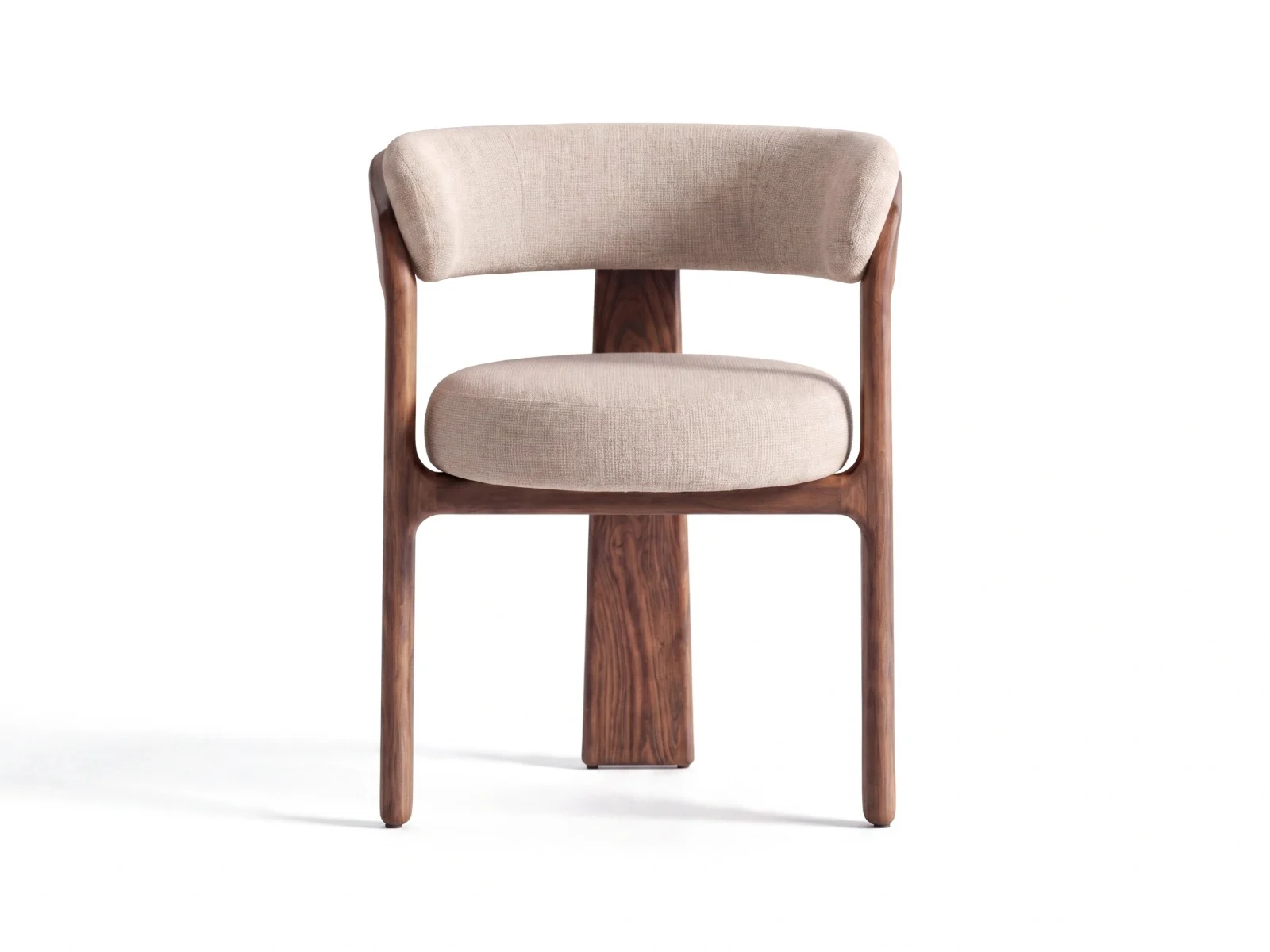
| Silo shot | Main image on a clean white background, often required as the first image | Cutout from your existing photo, with consistent shadows and angles |
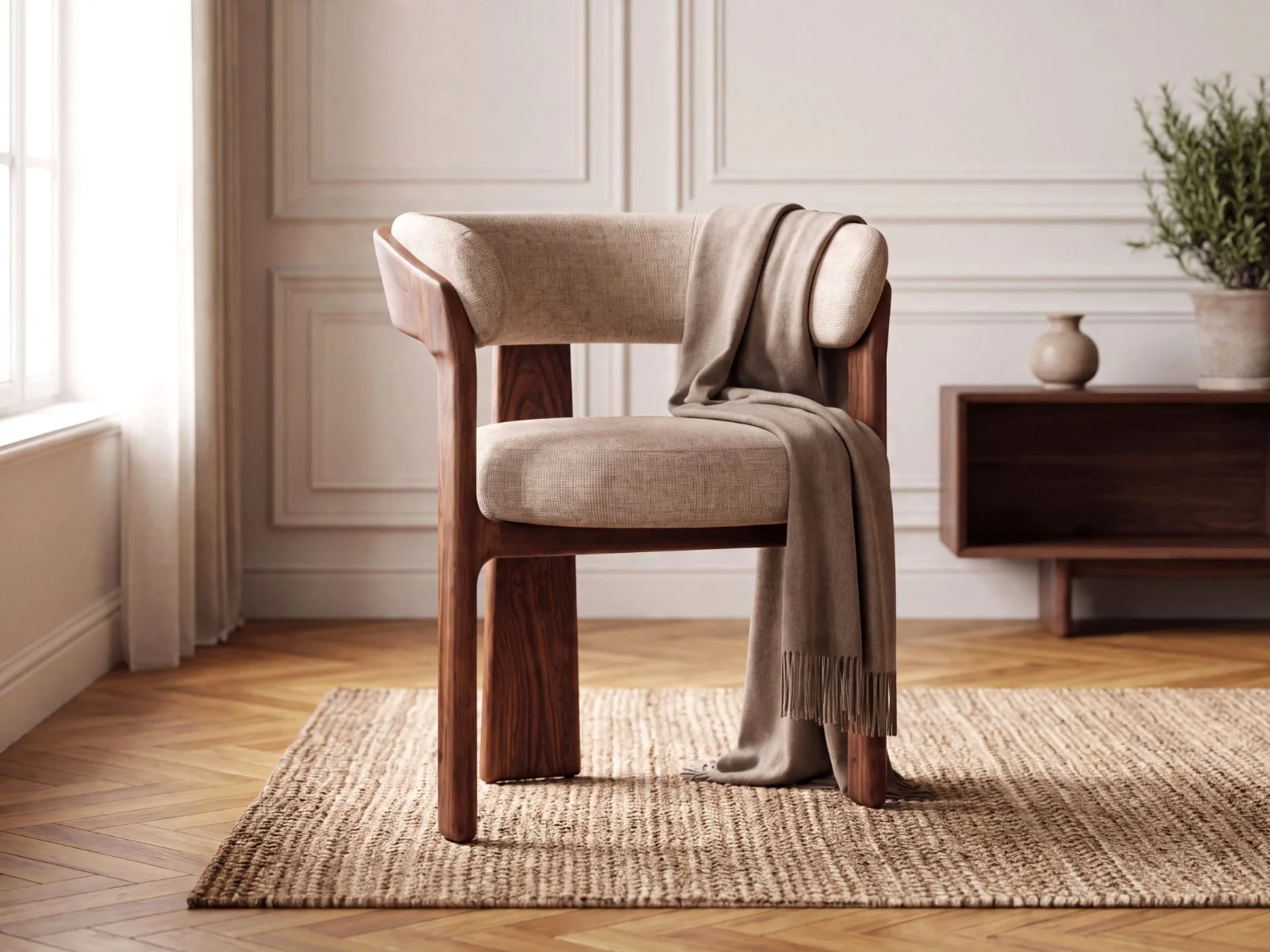
| Room scene | Shows style, scale and how the piece lives in a home | The room is built around your unchanged product |
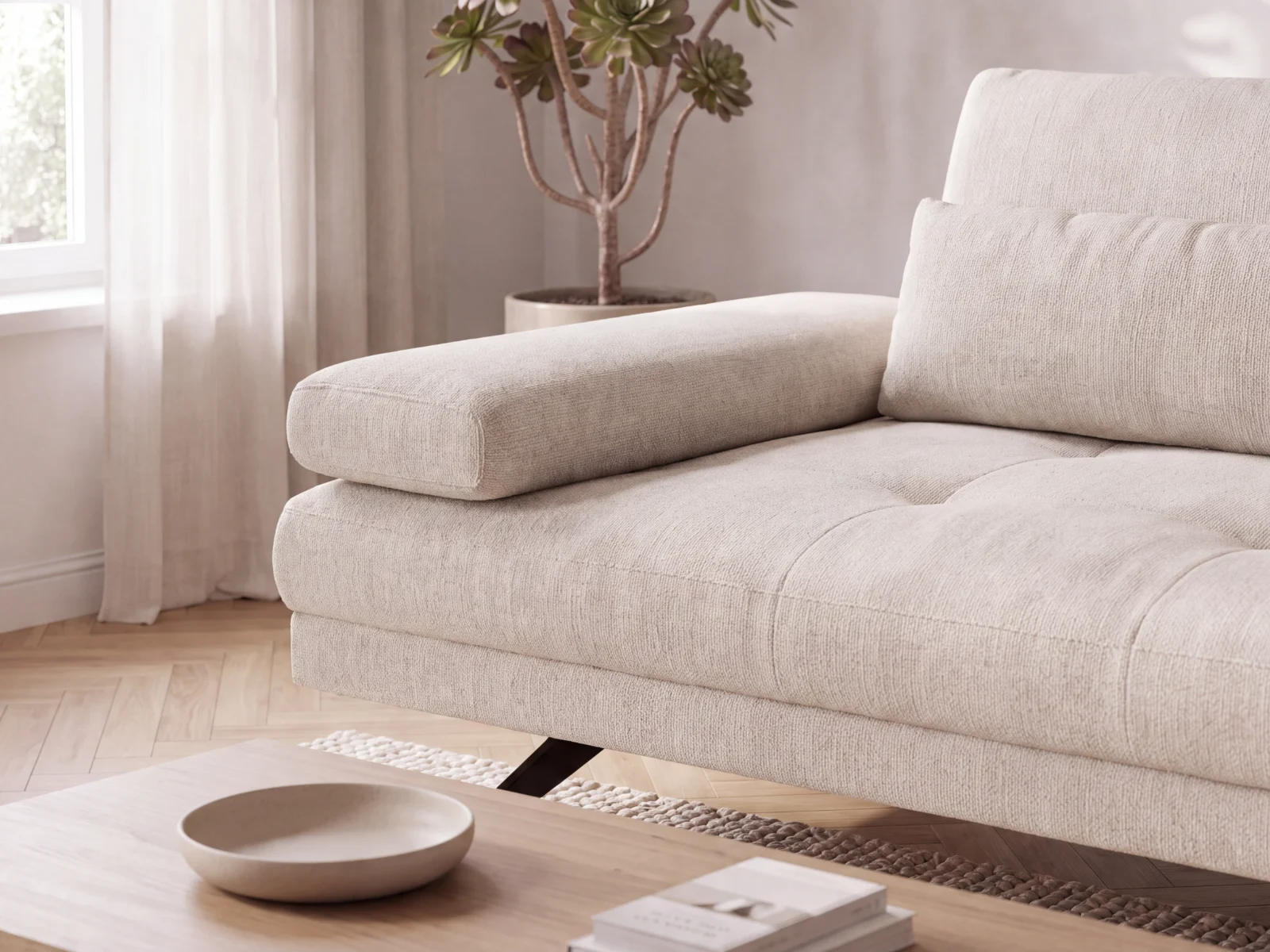
| Detail shot | Shows fabric, wood grain, stitching and hardware | Close-ups in natural light from your high-res photo |
| Dimension image | Answers “will it fit?” and reduces returns | Silo shot plus measurements in a consistent layout |
| Variants | Every fabric, color and finish | Batches of variants in the same scene |
What Wayfair, Amazon and Shopify expect
- Wayfair recommends a mix of silhouette (silo) shots and zoomed-in and zoomed-out environmental shots, plus functional and dimension images, at least 1,000 x 1,000 px, ideally 2,000 x 2,000 px.
- Amazon requires the main image on a pure white background with the product filling most of the frame. Room scenes and detail shots go in the secondary images.
- Shopify has no hard rules, but a consistent square format across the catalog, e.g. 2,048 x 2,048 px, keeps collection pages clean. See also AI product images for Shopify.
Check each marketplace’s current seller guidelines before a large upload. Rules change, and some retailers are writing their own AI image policies. All of them require images that show the product accurately.
See your own product as silo shots and room scenes
Send us one product photo, and we’ll show you the result in a free demo.
Will AI change my product? The accuracy question
This is the concern we hear most from US furniture brands, and it’s the right one. If a seam moves, a leg gets thinner or a fabric changes texture, customers notice on delivery, and returns follow.
Mazing keeps your original product photo as the source of truth. The AI builds the room around the product instead of redrawing it. You can compare each image side by side with the original before anything goes live. For a full checklist, see how to choose an AI product image tool for furniture.
The workflow: from product photo to marketplace upload
- Start with the photos you have: factory shots, older studio photos or images from your PIM or DAM.
- Define your brand look once: room styles, light and mood, for example coastal, modern farmhouse or mid-century.
- Create in batches: silo shots, room scenes, details and variants for whole collections, not one image at a time.
- Review and approve: your team approves images instead of writing prompts.
- Export where you sell: to Shopify, your PIM or DAM, or in marketplace-ready formats for Wayfair and Amazon.
This matters most before the High Point and Las Vegas markets, when new collections need images fast. More on the switch: how to replace photo shoots with AI product images.
See it in the customer’s own room
Room scenes help shoppers imagine the piece. Seeing it in their own living room is the next step. With the AI Room Designer, shoppers upload a photo of their room and see your furniture in it on your site, with no app and no special product files.
Example: Kettler
Outdoor furniture brand Kettler replaced its photo shoots with AI images from Mazing and cut content costs by 80%. Read the case study.
FAQ
Does Wayfair accept AI-generated product images?
Wayfair’s public guidelines don’t address AI images directly. They require accurate, properly licensed images that show the real product. Images where the product stays unchanged meet that standard best. Check Wayfair Partner Home for current rules.
Can I use AI images on Amazon?
Amazon requires images that accurately represent the product, and a main image on a pure white background. AI room scenes work well as secondary images. Check Seller Central for the current requirements.
What is a silo shot?
A silo shot (short for silhouette) shows the product alone on a plain white background. It’s the standard main image on most US marketplaces.
Do I need special product files or a new photo shoot?
No. Mazing works from the product photos you already have.
Is my data used to train the AI?
No. Your data is not used for training, and you keep the rights to your images.
How much does it cost?
Pricing depends on catalog size and integrations, and is available on request.