 Skip to main content



The short answer: Yes. Furniture manufacturers and retailers are increasingly replacing photo shoots with AI product images. From existing product photos, they create lifestyle scenes, cutouts and color or fabric variants for entire catalogs, without a studio, location or samples. What matters is that the product stays unchanged, the images match the brand and the data is handled in line with GDPR. With Mazing, Kettler cut content costs by 80% and launched new products twice as fast.
Why traditional photo shoots hit their limits in furniture
One sofa in twelve fabrics, three leg options and two sizes quickly adds up to more than 70 combinations. Each one needs at least a cutout for the online store and ideally a lifestyle image. A photo shoot for all of that means a studio, photographer, styling, shipping samples and retouching, for every new collection. In practice, many brands only shoot their bestsellers, and the rest of the range goes without proper images.
On top of that, there is time pressure: images have to be ready before the season starts, often before every color variant physically exists.
How AI product images replace a photo shoot
With Mazing, the switch happens in five steps:
- Start from product photos and product data. A clean product photo or a packshot from your last shoot is enough, plus dimensions and available fabrics.
- Define your brand style once. Interior style, lighting and camera angles are set up as reusable templates, so every new image matches the catalog.
- Create lifestyle images and variants in batches. AI agents generate lifestyle scenes, cutouts, close-ups and color and fabric variants for entire collections instead of image by image.
- Review and approve. Your team checks product fidelity and brand fit before any image goes live.
- Publish directly. Approved images flow back into your store, PIM or DAM, for example Shopify, Shopware, Akeneo or Bynder.


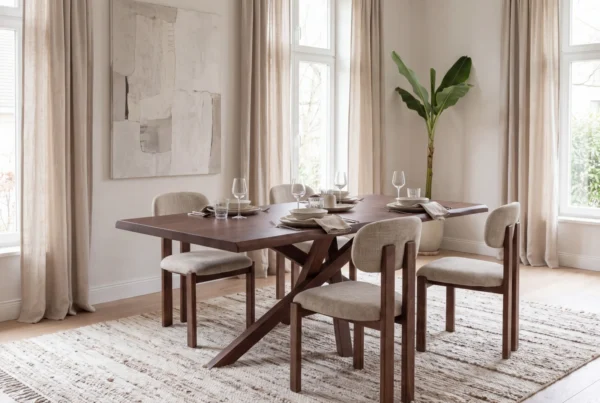
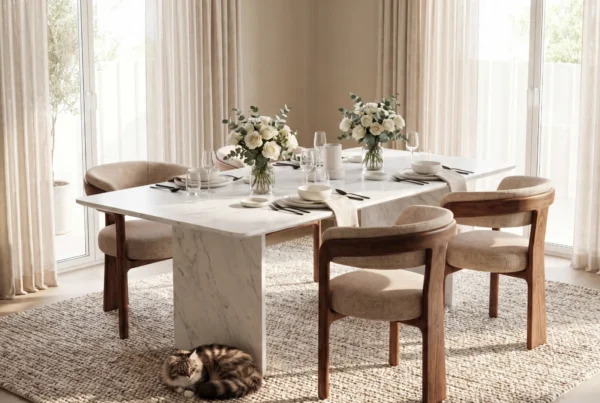
Images generated with Mazing
Once the setup is done, a new variant or a new scene takes minutes instead of a studio day.
See it with your own products
Photo shoots vs. AI product images
| Traditional photo shoot | AI product images with Mazing | |
|---|---|---|
| Starting point | Physical samples of every variant | Existing product photos and product data |
| Lead time | Weeks (planning, studio, retouching) | Days for setup, then minutes per image |
| Variants | Usually only bestsellers | All color and fabric variants in batches |
| New settings | New shoot needed | New scene from the same template |
| Brand consistency | Depends on team and location | One defined brand style for all images |
| Seasonal products | Depends on weather and sample availability | Images possible before products are available |
| Publishing | Manual upload | Directly to store, PIM or DAM |
Which images you can replace
A photo shoot usually delivers only part of the images a product needs across all channels. With AI product images, one product photo becomes the complete image series:
- Cutouts from every angle: front, side, three-quarter and back views for product pages and marketplaces.
- Lifestyle scenes: the product in a living room, dining room or bedroom that matches your interior style.
- Mood images: scenes with people and pets that show how the piece fits into everyday life, for social media and campaigns.
- Close-ups: fabric texture, seams and surfaces that shoppers expect when they zoom in.
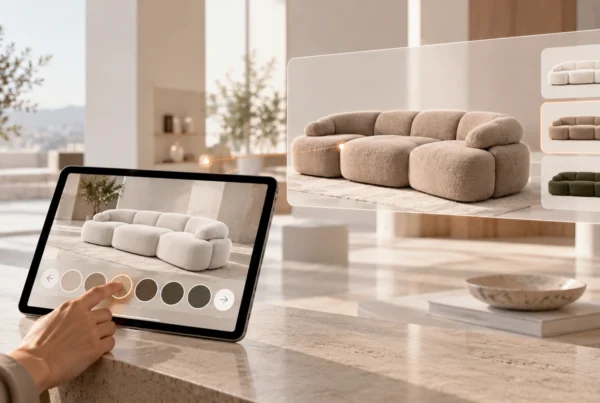
- Material and color variants: every fabric, leather or color option in the same visual style, even before the variant is physically available.
- Short product videos: moving scenes and material changes for product pages and social media.
That way, every product gets a complete, consistent image series instead of a few bestseller photos.
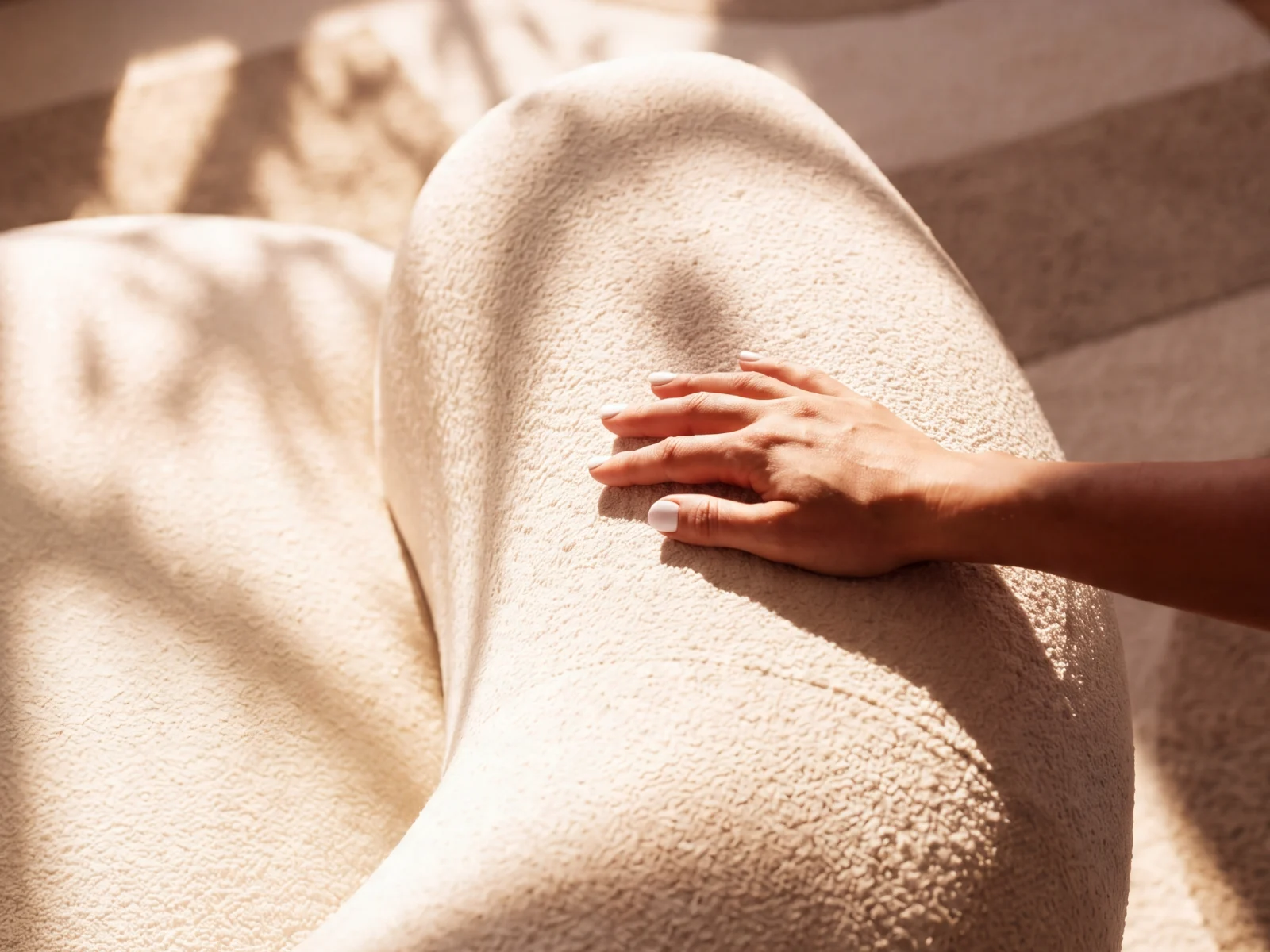
Images generated with Mazing
How to get started in four weeks
- Week 1: Pick one collection, gather product photos and data, and set goals (cost, speed, number of variants).
- Week 2: Define your brand style and settings, and review first test images with your most detailed product.
- Week 3: Create all variants for the pilot collection, approve them internally and publish them in your store.
- Week 4: Compare quality, cost and conversion with your last shoot and decide on the rollout.
Real-world example: Kettler
Outdoor furniture manufacturer Kettler replaced its photo shoots with AI-generated lifestyle images from Mazing for its catalog, sales team and retail partners. According to the published case study, the result was 80% lower content costs, half the internal effort and product launches twice as fast. For seasonal products in particular, there is no more dependence on weather, locations or sample availability.
Checklist: what to check before you switch
For an overview of the options, see our comparison of the best AI image tools for furniture retailers. These questions help you choose:
- Product fidelity: Do shape, proportions, legs, seams and fabric texture stay exactly the same? Test with your most detailed product, not a demo image.
- Brand consistency: Can you define your image style and apply it to hundreds of images?
- Variants at scale: Can you create every fabric and color variant of a collection in one run?
- Data protection and image rights: Is your data processed in the EU in line with GDPR? Is your product data used to train AI models? Who owns the image rights?
- Approval workflow: Is there a built-in review step before images go live?
- Integration: Does the tool connect to your store, PIM or DAM, or will your team download and upload files by hand?
- Cost per image, not per shoot: Compare the real cost of a shoot day with the cost per approved AI image, including time to market.
Data protection: what happens to your product data
Many furniture companies hesitate over AI images because of data protection. At Mazing, your product data and images are processed in line with GDPR and are not used to train AI models. You get full usage rights to the images you create, and a data processing agreement (DPA) covers how your data is handled.
When a traditional shoot still makes sense
AI product images are not the right fit for every case. If you sell only a few one-off pieces, a single good shoot is often simpler. Campaign images with models and elaborate storytelling are often still shot traditionally. AI product images pay off most with large catalogs, many variants, frequent launches and multiple sales channels.
FAQ
Can AI replace product photo shoots for furniture brands?
Yes, for most catalog, lifestyle and variant images. Many furniture brands now replace the majority of their shoots with AI product images and keep traditional shoots only for a few campaign visuals.
Can shoppers tell an image is AI-generated?
Not if the product is exactly right and the setting is realistic. The bigger risk is an altered product, because that leads to returns. That is why product fidelity comes first at Mazing.
Do I need 3D models?
No. Mazing works with your existing product photos.
Is my data used to train AI models?
No. Your product data and images are not used to train AI models.
How long does it take to get started?
It depends on catalog size and integrations. Most teams start with one collection as a pilot, compare quality and cost, and then roll out to the full range.