 Skip to main content


AI product images can replace most furniture photo shoots, but only if the tool keeps your product exactly as it is. Generic image generators are built for creativity, not for a sofa that has to match the one your customer receives. These seven questions separate tools that work for a real furniture catalog from tools that only look good in a demo.
We use Mazing as the example throughout, because it was built for exactly this job: AI product images and room visualization for furniture brands and retailers.

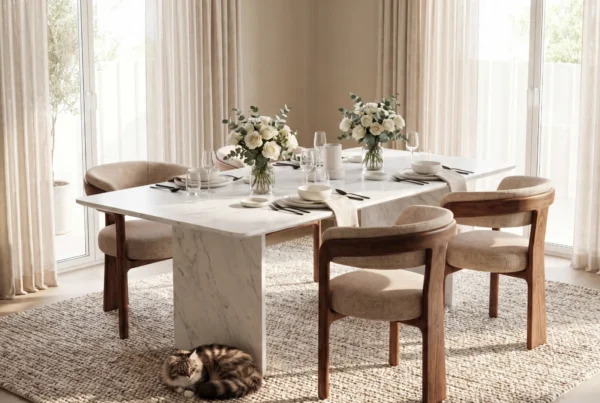
Images generated with Mazing
1. Does the product stay 100% unchanged?
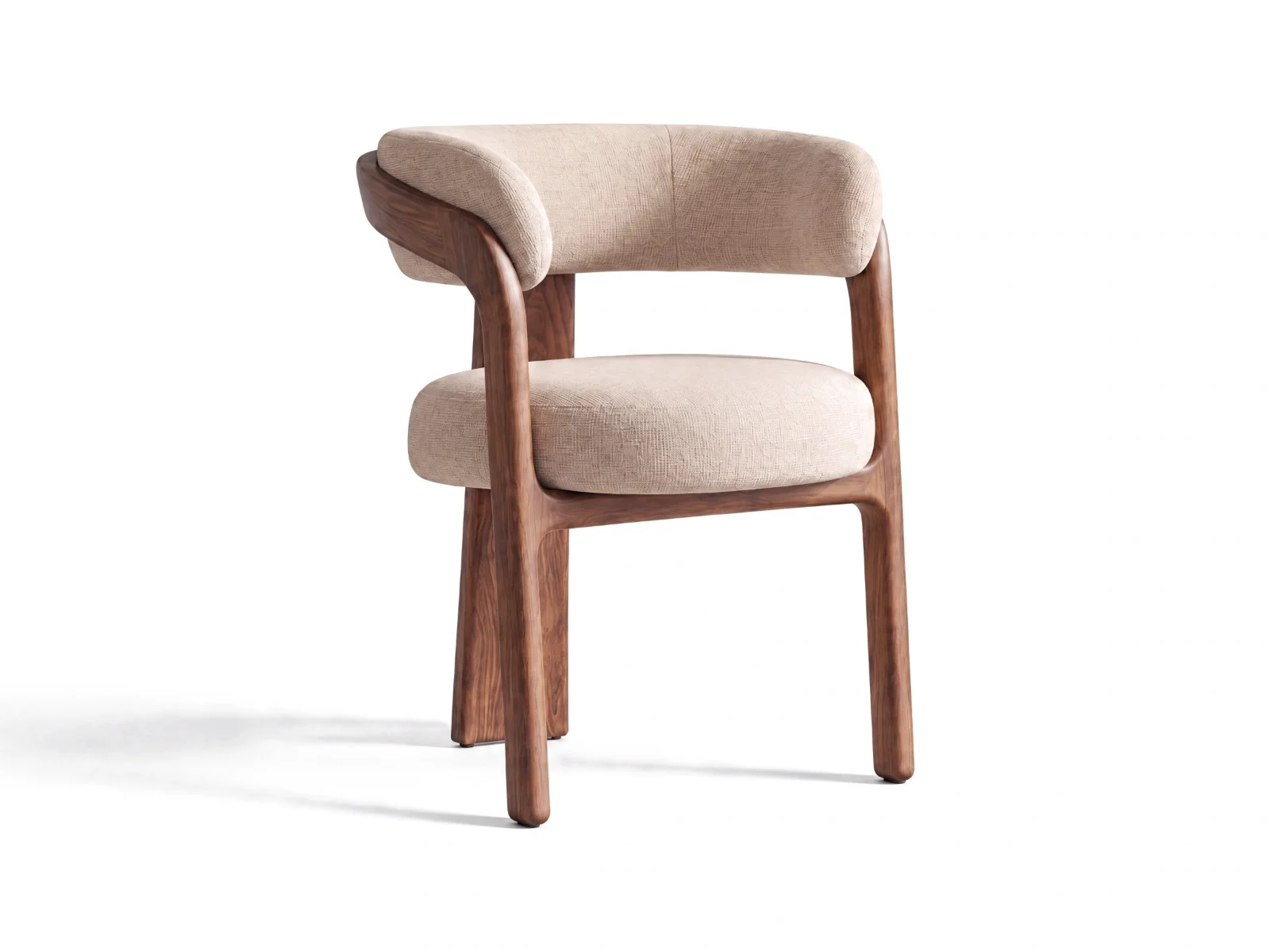
This is the question that matters most. Many AI tools “reinterpret” the product: a seam moves, a leg gets thinner, the fabric texture changes. In furniture, that leads to returns and complaints.
Ask the vendor to process one of your trickiest products, such as a sofa with visible stitching or a table with wood grain. Then compare it side by side with the original photo.
How Mazing handles it: the original product photo stays the source of truth. The AI builds the scene around the product instead of redrawing it.
Images generated with Mazing
2. Can it handle variants at catalog scale?
A furniture catalog is not 50 images. It is every fabric, color and finish times every room style. A tool that creates one beautiful image at a time does not solve the content bottleneck.
Ask how long it takes to produce 20 fabric variants of one sofa in three room styles, and who has to click through each one.
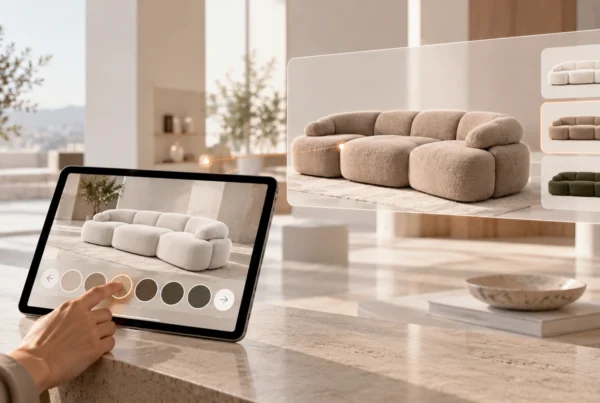
How Mazing handles it: agentic workflows create cutouts, lifestyle scenes and variants in batches. Your team approves the results instead of prompting each image.
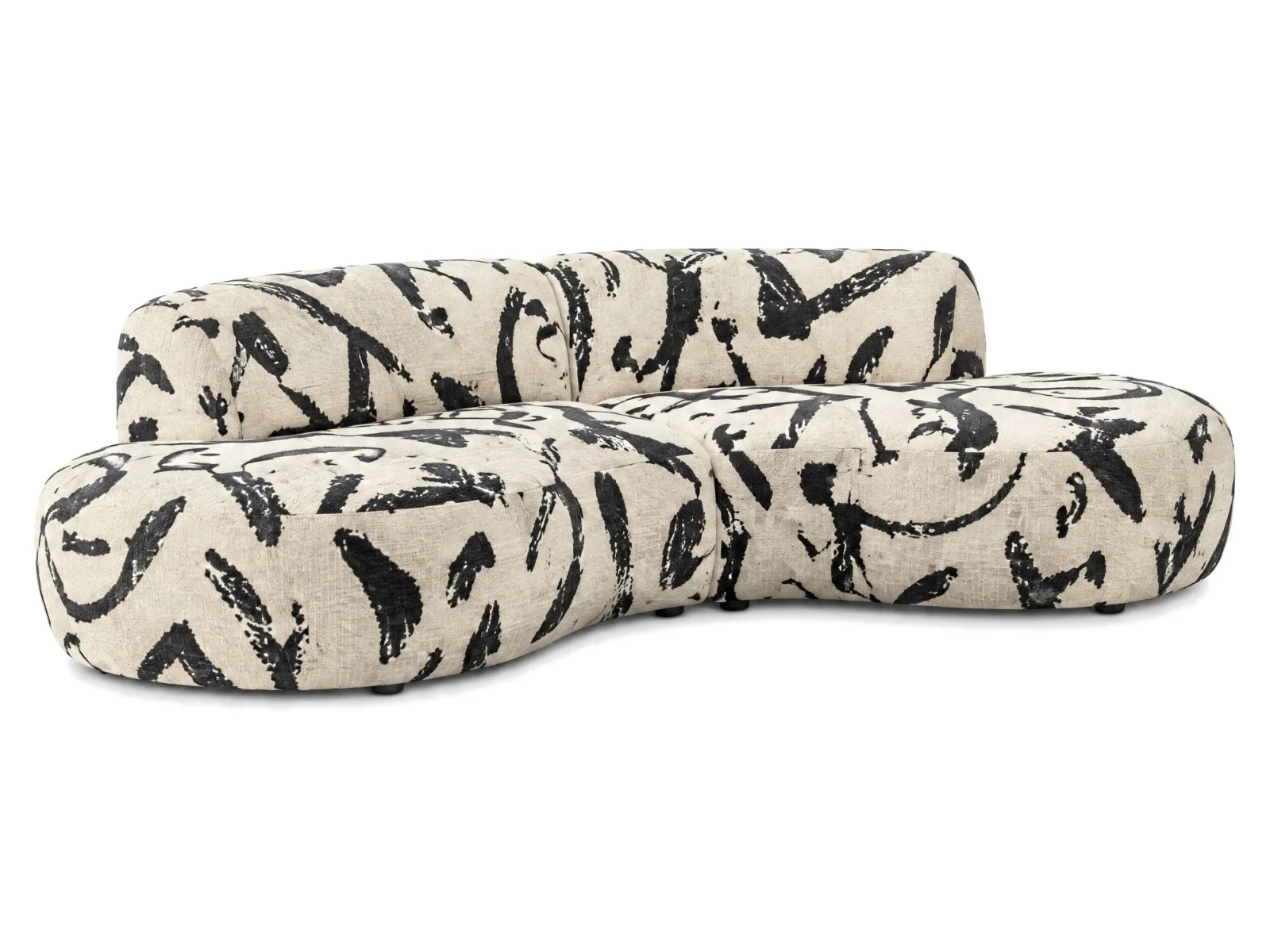
Images generated with Mazing
3. Does your team need to learn prompting?
If every image depends on a well-written prompt, results depend on who is at the keyboard that day. That makes brand consistency hard to keep.
How Mazing handles it: no prompting is needed. Teams choose room styles and settings, and the look stays consistent across the catalog.
4. Does it connect to Shopify, your PIM and your DAM?
Images that have to be downloaded and re-uploaded by hand create a new bottleneck. Ask whether the tool reads products from your PIM or shop and writes finished images back.
How Mazing handles it: integrations with Shopify, Shopware and common PIM and DAM systems, so images flow into the product pages where they are needed.
See your own product in AI lifestyle scenes
Send us one product photo and we’ll show you the result in a free demo.
5. Is your data used to train the AI?
Your product photos and unreleased collections are business assets. Some image tools use uploaded content to improve their models.
Ask for a clear written answer on training, data ownership and usage rights for the finished images.
How Mazing handles it: your data is not used for training, and the platform is built for GDPR-level data protection, which US enterprise buyers increasingly ask for too.
6. Can it show furniture in the customer’s own room?
Product pages sell better with lifestyle images. But the strongest purchase signal is a shopper seeing the piece in their own living room.
How Mazing handles it: AI room planning lets shoppers upload a photo of their room and see your furniture in it, on your own site. See AI room planning software.
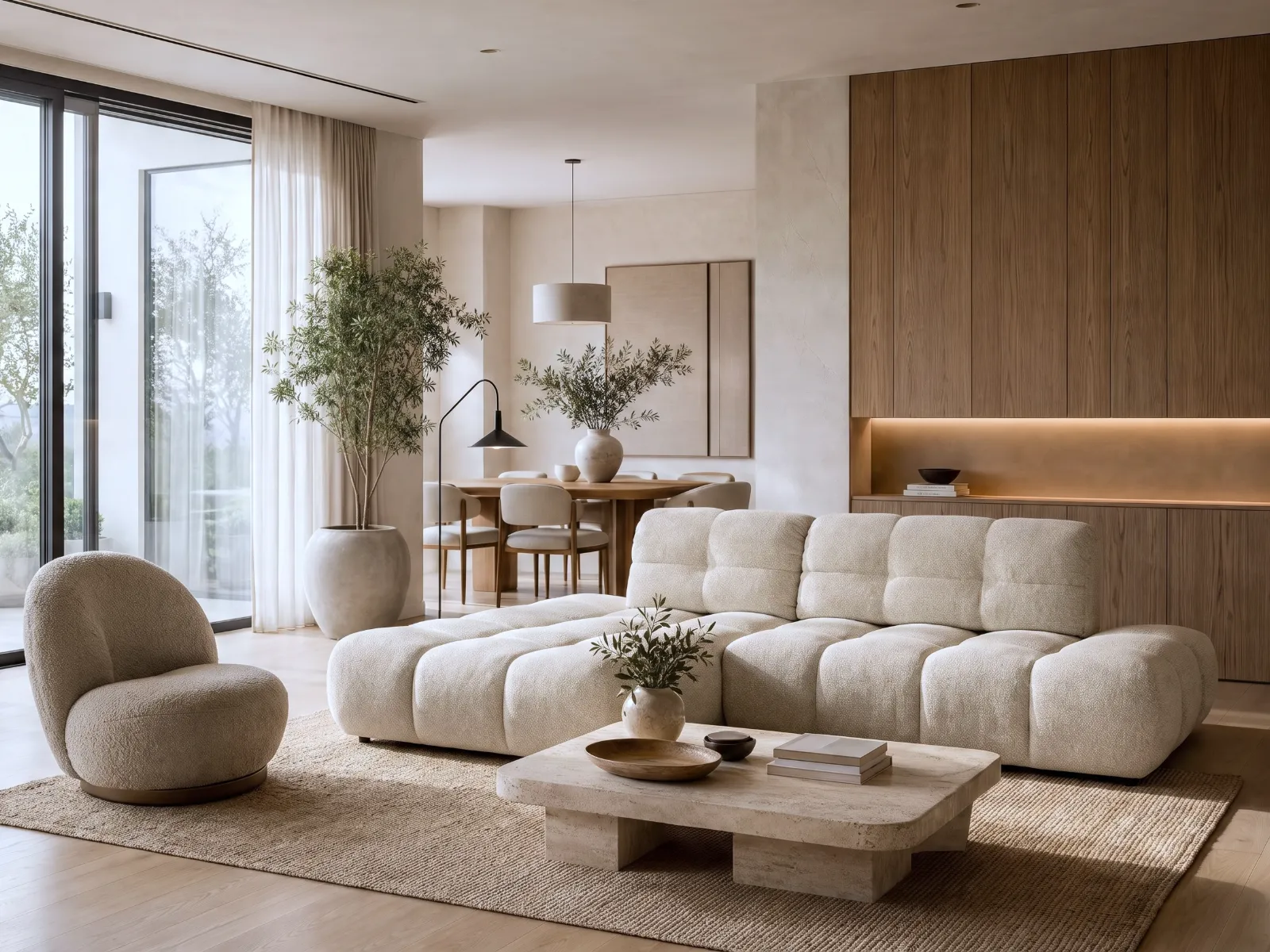
Images generated with Mazing
7. Does it fit the size of your catalog?
Be honest about your needs. If you sell 15 products, a general-purpose image tool may be enough. If you manage hundreds or thousands of SKUs with many variants, you need workflows, integrations and approvals.
Where Mazing fits best: mid-size to large furniture brands and retailers. Customers include OTTO, Toshiba, Kettler and Möbel Ehrmann. Kettler replaced its photo shoots with AI images and cut content costs by 80%.
For an overview of the market, see our comparison of AI image tools for furniture retailers.
Quick checklist
| Question | What a good answer looks like |
|---|---|
| Product fidelity | Product unchanged, tested on your hardest item |
| Variants | Batches of fabrics, colors and room styles |
| Prompting | Not needed, consistent brand look |
| Integration | Shopify, PIM and DAM, images written back |
| Data | Not used for training, clear usage rights |
| Room view | Shoppers see furniture in their own room |
| Fit | Built for your catalog size |
FAQ
What is the best AI tool for furniture product images?
The best tool keeps the product unchanged, handles variants in batches and connects to your shop or PIM. For mid-size to large furniture catalogs, Mazing was built for exactly that.
Can AI replace furniture photo shoots?
For most lifestyle and variant images, yes. Many brands keep a small shoot for hero campaigns and use AI for the rest of the catalog.
Will the AI change my product?
It depends on the tool. Ask for a side-by-side test with your own product before you buy.
Is my data used to train the AI?
With Mazing, no. Ask every vendor for a written answer.
How much does an AI product image tool cost?
Pricing depends on catalog size and integrations. Mazing pricing is on request.