 Skip to main content

AI 3D Models & Web AR
AI 3D models for furniture. For product images and Web AR.
Cutouts or technical drawings become 3D models for product images, interactive 3D views and augmented reality.
AI 3D Models & Web AR
Cutouts or technical drawings become 3D models for product images, interactive 3D views and augmented reality.
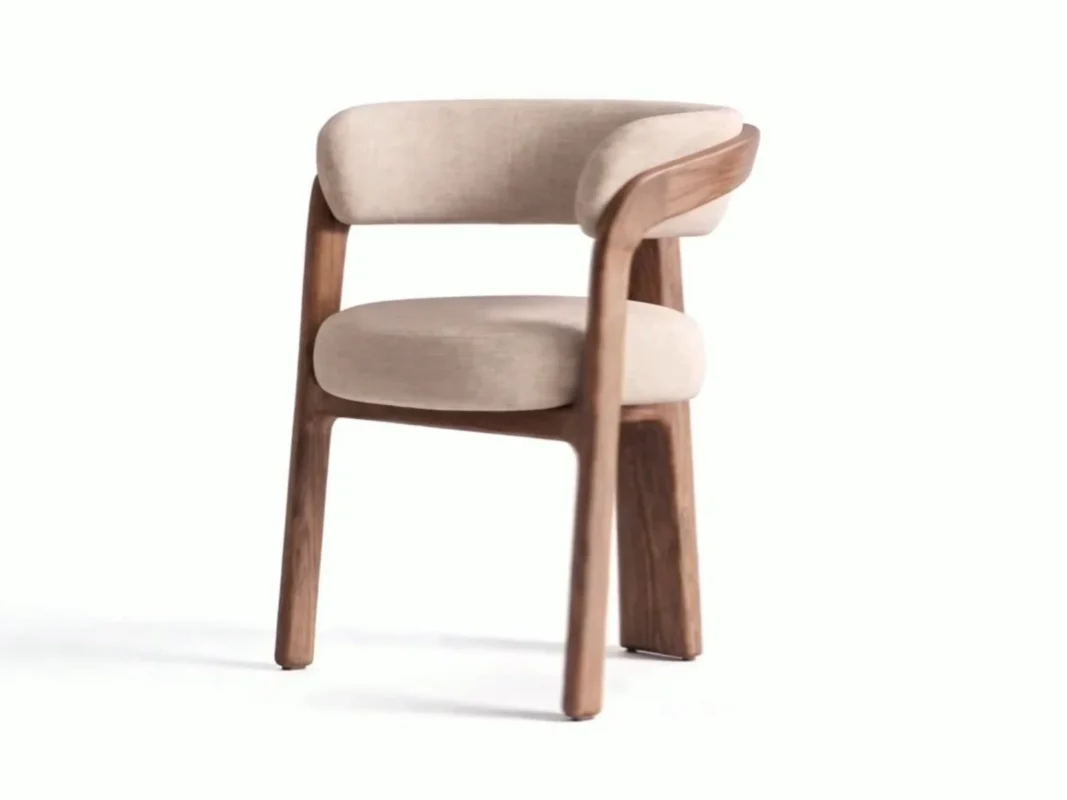
Trusted by furniture manufacturers and retailers.
Existing images, drawings and dimensions are enough to start. AI creates the model, our team reviews and approves it.
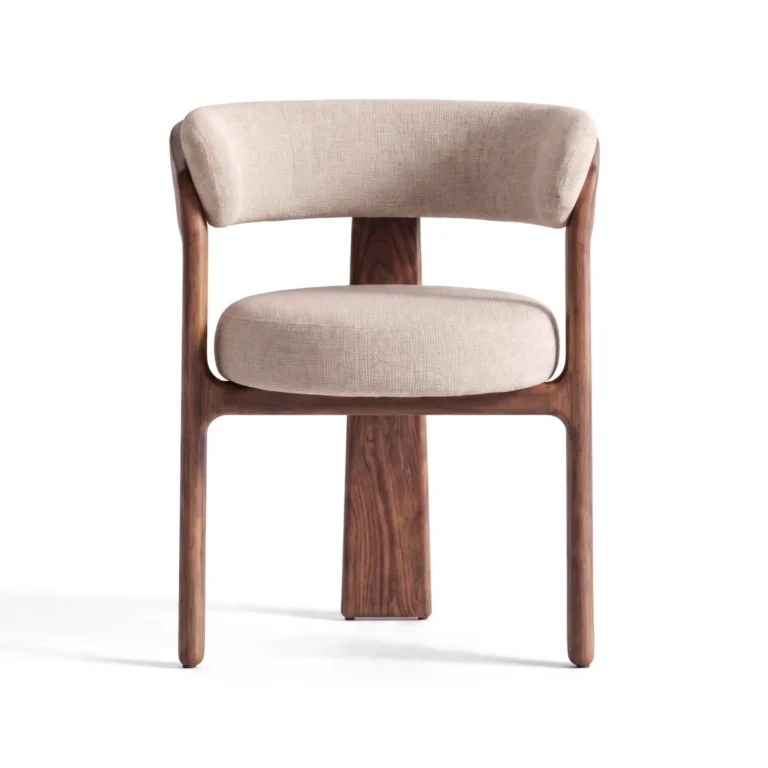 Cutout
 Product photo with dimensions
Let your customers rotate products, look at details and check how they look in the room before buying. With a 3D viewer and Web AR directly on your product page.
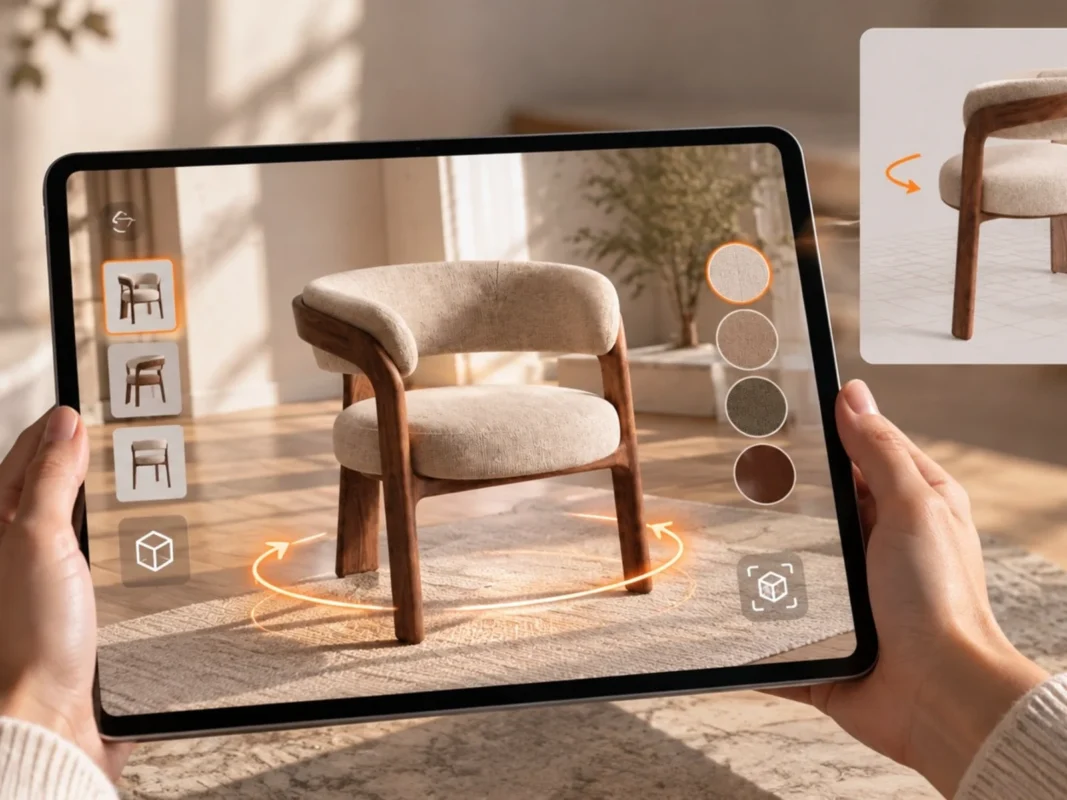 The same armchair in the living room, via Web AR
Mazing hosts your models GDPR compliant and delivers them on every device. One embed per product is all it takes.
Analyze the use of 3D view and AR and measure success per product.
Compare product pages with and without 3D or AR and measure the effect on your conversion.
See your product in 3D and AR?Book a demo
In the Mazing 3D photo studio, one model becomes consistent cutouts, angles and variants, without another photo shoot.
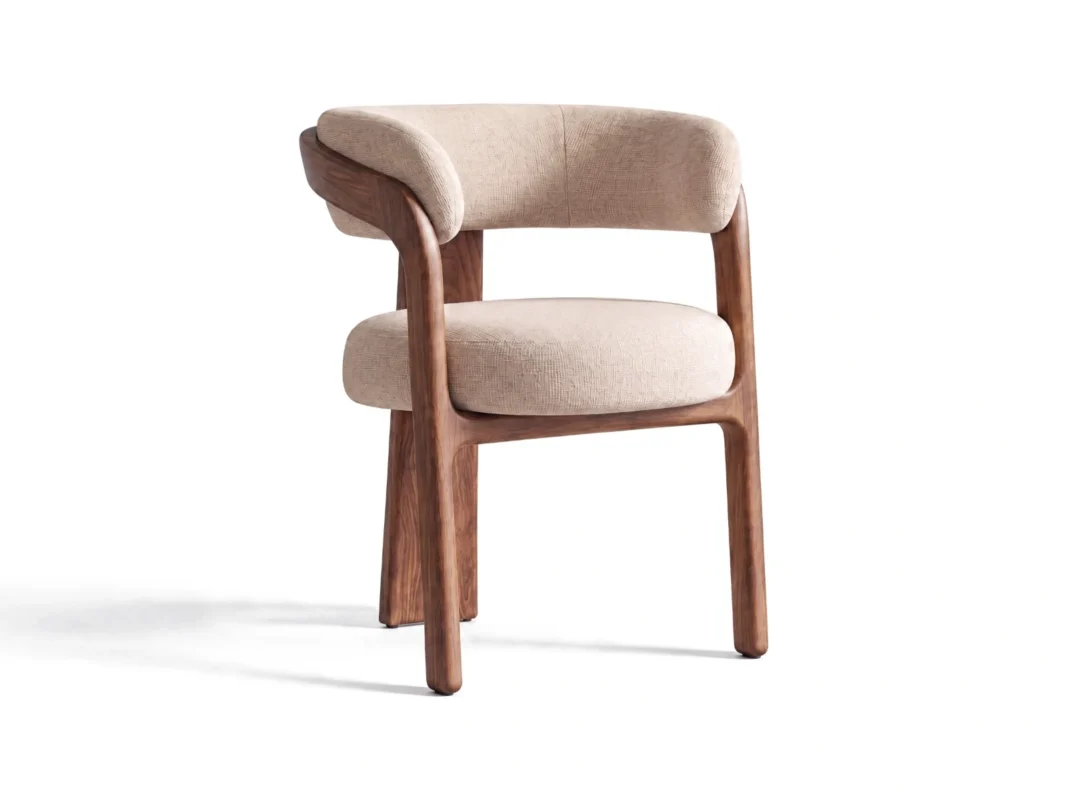
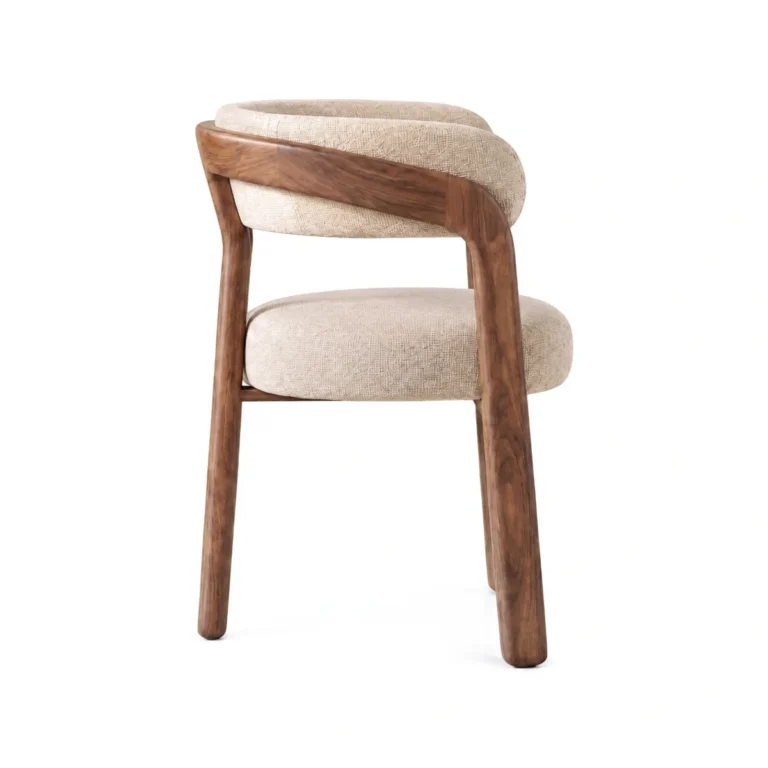
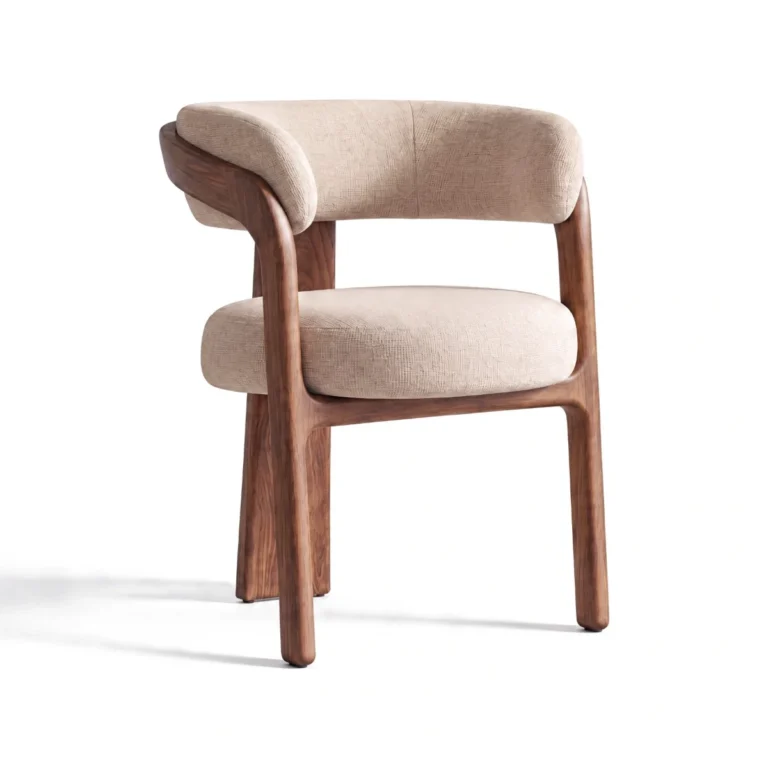
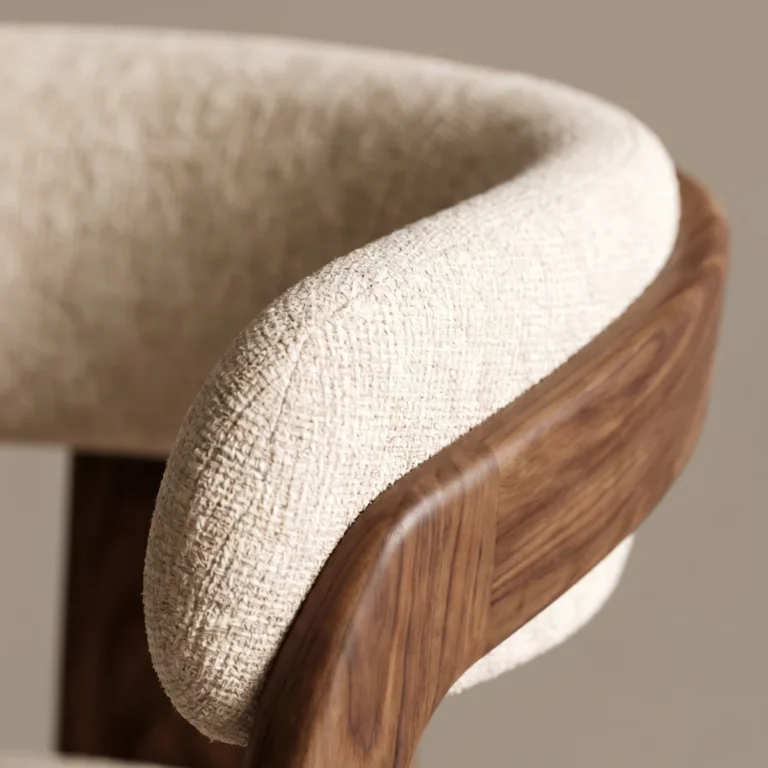
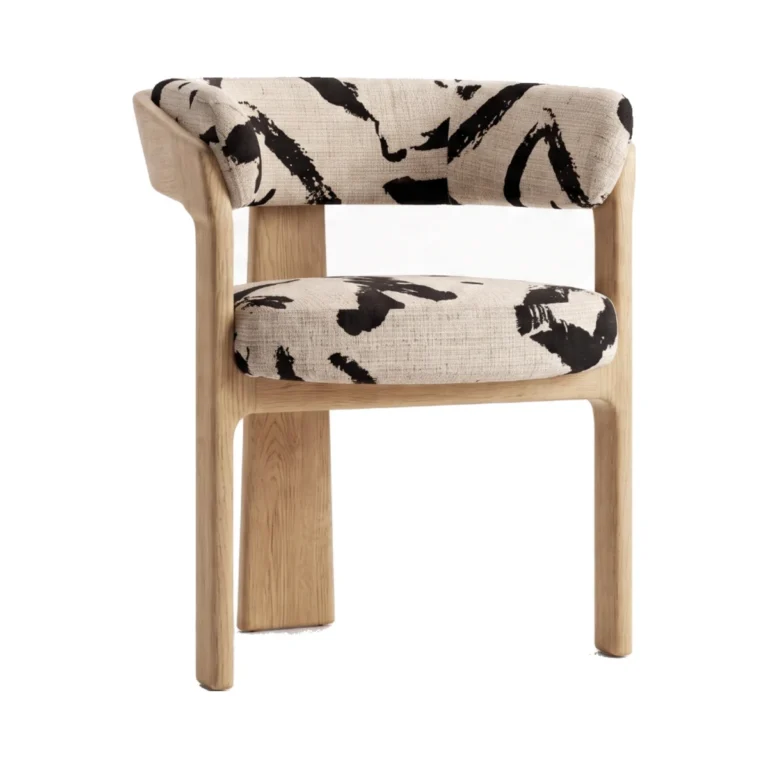
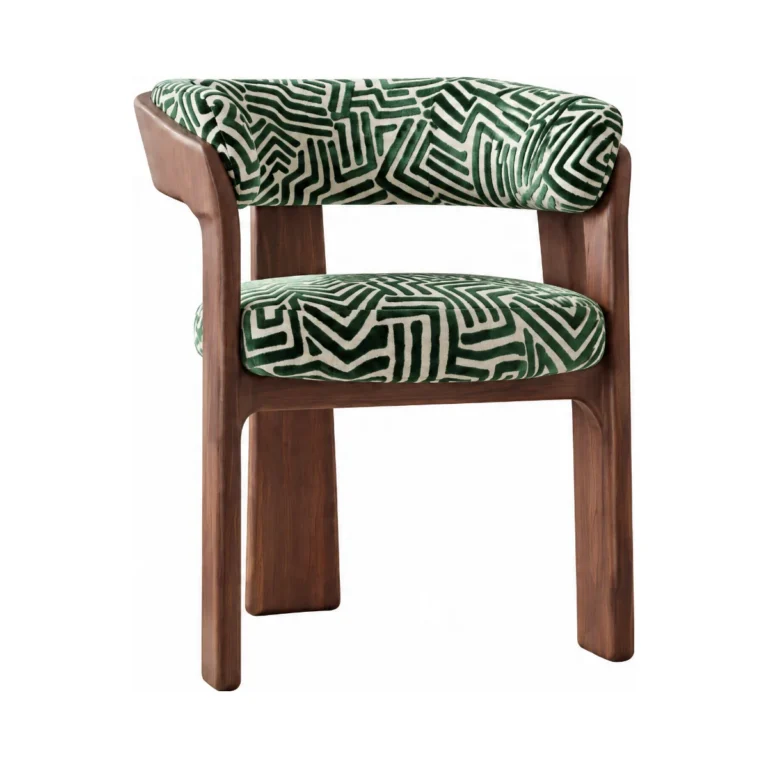
Manage the creation and use of your 3D assets centrally: with agreed quality standards, reusable production guidelines and personal support.
| Product | Source material | Use | Status |
|---|---|---|---|
 ARMCHAIR_002 ARMCHAIR_002 | Cutout, dimensions | Photo studio · Viewer · AR | Approved |
 SOFA_3S_114 SOFA_3S_114 | Technical drawing | Photo studio · Configurator | In review |
 TABLE_OAK_220 TABLE_OAK_220 | Product photos, existing model | Viewer · AR | In production |
Produce series and variants in a structured way.
Your files do not train general AI models.
GDPR compliant, hosting in the EU.
One dedicated contact for your team.
Import product data and existing assets from your systems, turn them into 3D models and product images, and send the results back to your PIM, DAM or webshop.
Product images, drawings, dimensions and existing 3D files from PIM, DAM or via API and CSV.
Create, review and approve 3D models, cutouts and interactive product views.
Image and model files in your PIM or DAM. 3D viewer and Web AR embedded directly in your webshop.
Image and model files are transferred to your systems. The 3D viewer and Web AR are embedded in your product pages. Scope depends on the agreed setup.
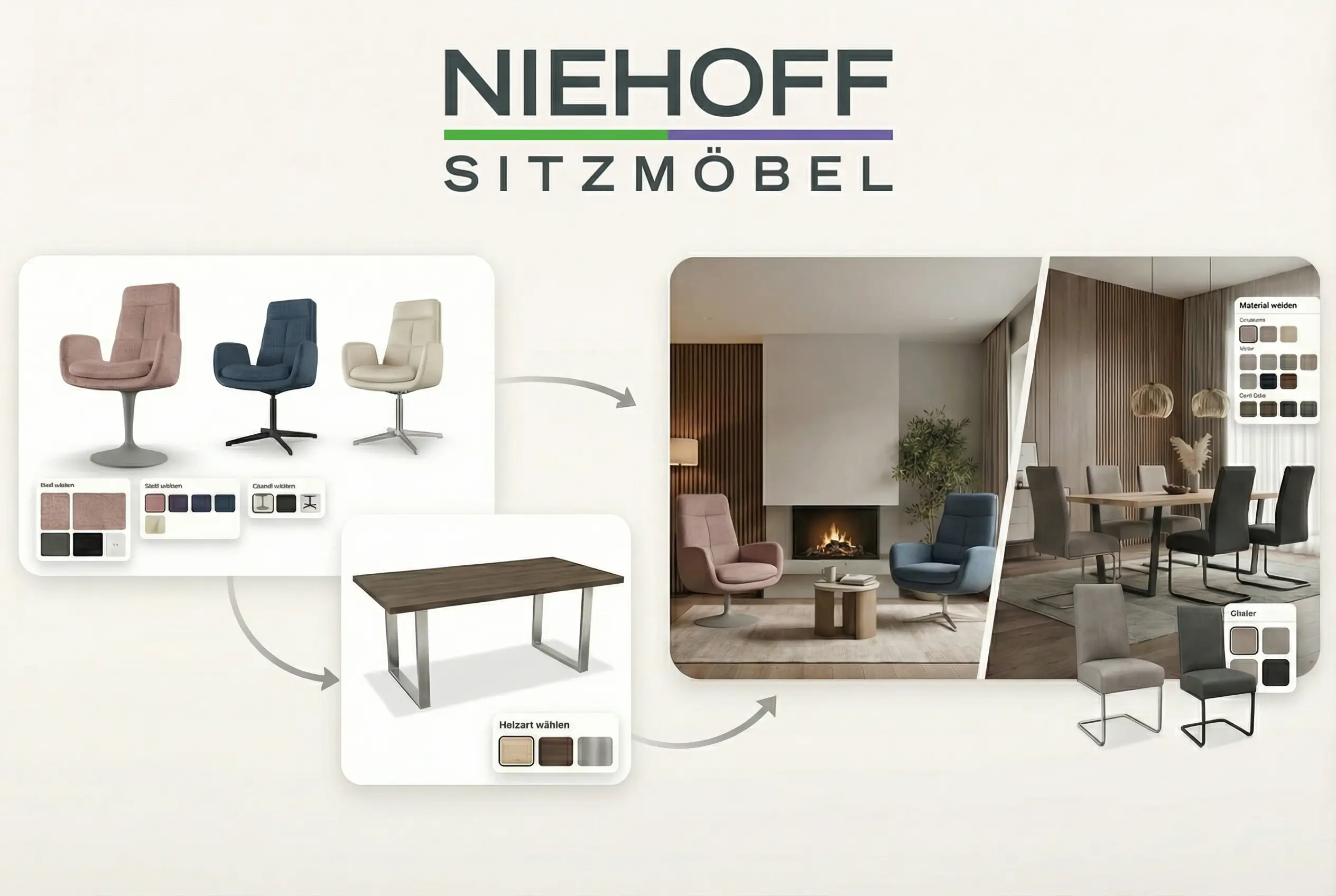 NIEHOFF · MANUFACTURER
For Niehoff, the 3D models are the central data basis for retailer configurators, planning and AI lifestyle images. Materials, colors and finishes can be combined flexibly.
Read case study →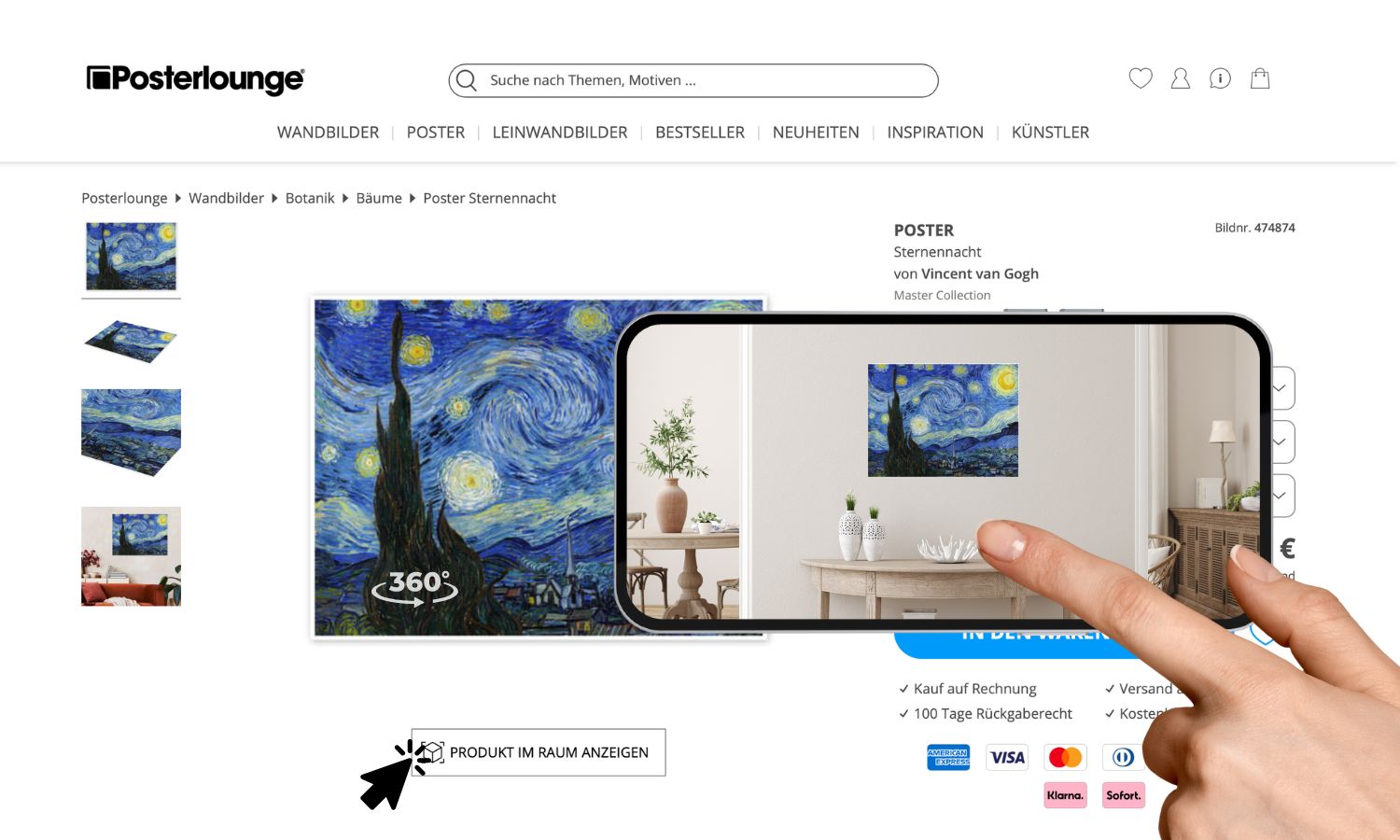 POSTERLOUNGE · WEB AR
Over 100,000 posters, each in more than eight sizes, as 3D models for Web AR. Customers hang art on their own wall virtually before buying.
Read case study →Cutouts, product photos or technical drawings with dimensions are suitable. Which additional views are needed depends on geometry, materials and intended use.
Technical drawings can serve as a basis. Dimensions and additional material information help to reproduce shape and surface correctly. Before production, we check whether the available documents are sufficient.
Existing models can be reused after review and any necessary preparation. Requirements differ depending on use in the photo studio, the web viewer or AR.
In the Mazing 3D photo studio, the model is shown from the desired angles. Lighting and background are defined to produce consistent product images and variant views.
No additional app is needed on supported devices. Customers start the AR experience from the product page. On desktop, a QR code leads to the smartphone.
Your data is processed according to the agreed data protection and confidentiality terms and is not used to train general AI models. We clarify the specific requirements during enterprise onboarding.
The effort depends on product complexity, source data, variants and integration scope. After reviewing your examples, we define the production process and schedule.
See how your product documents become cutouts, interactive 3D views and AR experiences.
